
Master AI Images Creation With Perfect Prompts
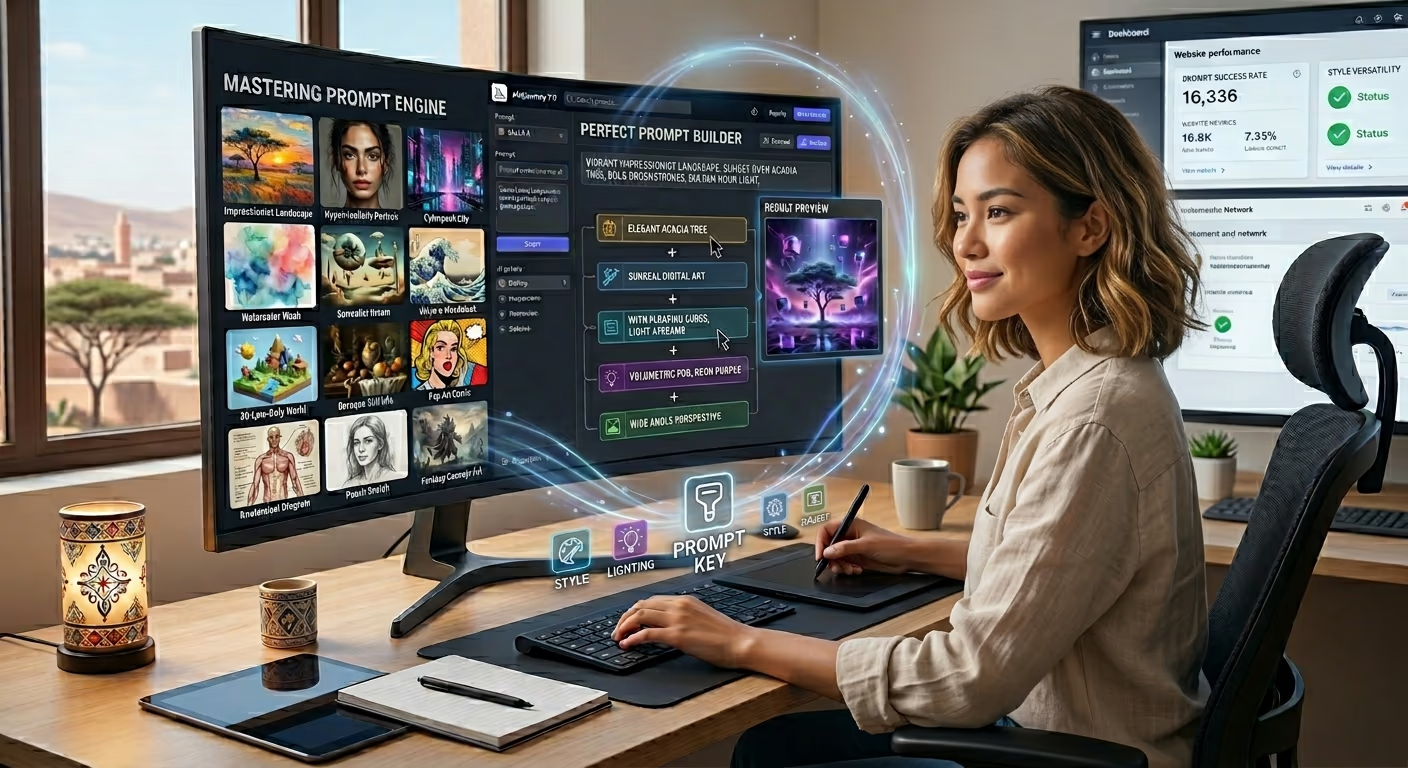
Have you ever closed your eyes and imagined a beautiful scene but had no way to share it with the world? For a very long time, bringing imagination to life required years of artistic training, expensive software, and countless hours of practice. Today, that barrier has completely vanished. Artificial intelligence has fundamentally changed how we approach visual art. You no longer need to be a master painter or a professional photographer to produce stunning visuals. All you truly need is a solid prompt, and you can unlock the full potential of digital art and image creation.
In this comprehensive guide, we are going to dive deep into the world of generative AI. We will explore exactly how to talk to these intelligent systems, how to structure your words for the best possible results, and how to turn your basic ideas into absolute masterpieces. Whether you are building an online business, designing a presentation, or just exploring your creative side, mastering this skill is essential for the modern digital landscape.
The Magic Behind the Screen
Before we get into the advanced techniques, we need to understand what is actually happening when you type words into a text box. A prompt is simply your direct line of communication with the artificial intelligence. These complex systems have been trained on billions of pictures and text descriptions. When you type a word, the machine searches its vast memory to understand what that word looks like visually.
However, the machine cannot read your mind. It is incredibly literal. If you give it a weak set of instructions, it will give you a weak result. For example, if you just type the word coffee, the system has to guess everything else. Is it a hot cup of coffee? An iced coffee? Is it sitting on a wooden table in a cozy cafe, or floating in outer space? Because it has to guess, the output will usually be very boring.
To achieve greatness in your image creation, you have to become a digital director. You have to paint a vivid picture with your vocabulary. The more details you provide, the less the machine has to guess, and the closer the final artwork will match your original vision. This simple shift in mindset will dramatically improve the quality of your output.
The Essential Ingredients for the Perfect Request
Creating the ultimate set of instructions is like baking a cake. You need specific ingredients in the right order to make it work. Every time you sit down to create, you should try to include the following core elements in your text.
The Primary Subject
This is the star of your show. You must describe your subject with as much detail as possible. Do not just say a man. Say an elderly man with a thick grey beard wearing a faded denim jacket. Describe their emotion, their posture, and their exact clothing. If your subject is an object, describe its texture, its color, and its condition.
The Artistic Medium
How do you want the final piece to look? The artificial intelligence can mimic almost any art style in human history. You need to explicitly state the medium. You can ask for a photorealistic portrait, a watercolor painting, a highly detailed 3D render, a vintage comic book illustration, or a classic oil painting. Telling the system the exact medium instantly changes the entire vibe of the output.
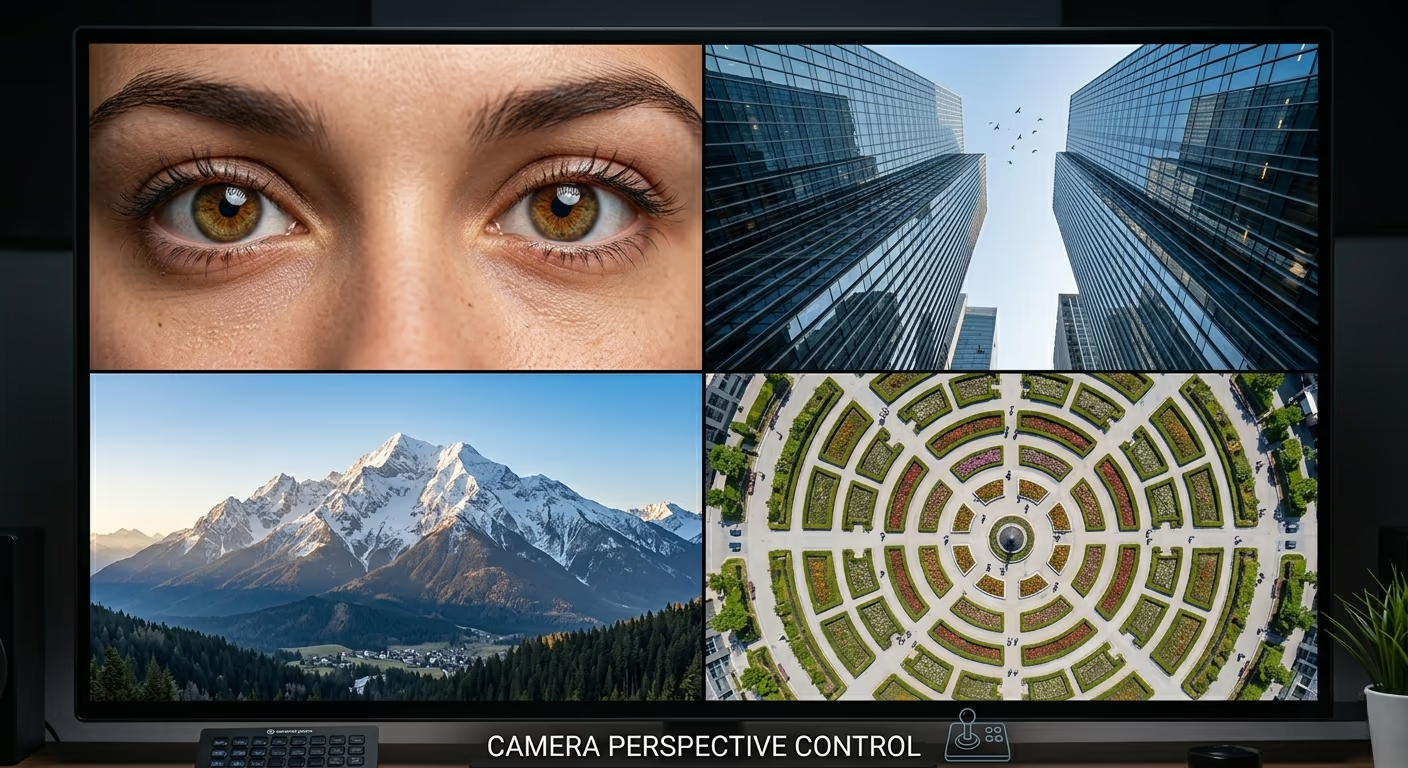
The Camera Perspective
If you are aiming for a realistic photo, you need to tell the machine where the virtual camera is placed. You can ask for an extreme close up on a person eyes. You can ask for a wide angle shot of a massive landscape. You can even ask for a drone perspective looking straight down from the sky. Controlling the camera gives your work a highly professional polish.
The Best AI Image Generators Available Today
There are many tools available today for image creation. Since you want to get started quickly, let us look at the three best platforms on the market right now without getting bogged down in too much technical detail.
First, there is Midjourney. This tool is famous for producing highly artistic and beautiful results. It is widely considered the absolute best tool for creative professionals who want gorgeous aesthetics, deep lighting, and a very cinematic feel. It does require you to use a chat app called Discord, which can take a little bit of getting used to, but the visual quality is unmatched.
Next is DALL-E 3. This generator was created by the same team that built ChatGPT. Its biggest strength is how incredibly easy it is to use. You can simply talk to it like a normal person, and it understands exactly what you type better than almost anything else. If you ask for a very specific object in a specific corner of the screen, DALL-E 3 will usually get it right on the first try. It is built directly into ChatGPT, making it highly accessible.
Finally, we have Stable Diffusion. This is a powerful open source model. It is completely free to use if you have the right hardware. It requires more technical knowledge to set up and run on your own computer, but it gives you the absolute highest level of control over your final artwork. You can train it on your own face, your own products, or specific art styles.
The Power of Lighting and Atmosphere
As mentioned earlier, lighting is absolutely crucial. Lighting is the secret weapon of professional artists and photographers. It completely changes the mood of a scene. Do you want bright natural sunlight? Do you want dark and moody cinematic lighting with deep shadows? Perhaps you want the neon glow of a futuristic cyberpunk city. Always include a few words describing the light source. Here is a deeper dive into the specific lighting terms you should memorize and use regularly.
Golden Hour
This is the time just after sunrise or just before sunset. It provides a warm, soft, and magical glow. It is perfect for romantic scenes, peaceful landscapes, and flattering portraits. If you want a natural and beautiful look, golden hour is your best choice.
Studio Lighting
If you want a clean, professional look with zero harsh shadows, ask for studio lighting. This is highly recommended if you are creating images of products or professional headshots. It makes everything look crisp and ready for a magazine cover.
Volumetric Lighting
This is a fancy term for visible rays of light. Think of sunlight streaming through a dusty window or beams of light cutting through a foggy forest. It adds incredible depth and drama to any scene, making your artificial intelligence creations look truly epic.
Practical Applications for Digital Platforms
Learning how to craft the perfect prompt is not just a fun hobby. It is a highly valuable business skill. When you are building an online platform, especially one that provides educational content or comprehensive reviews of software and digital privacy tools, the visual experience is incredibly important.
Search engines and advertising networks look for websites that offer a complete and valuable experience to the reader. Pages with huge walls of plain text or repeated stock photos are often penalized or rejected for having thin content. By using artificial intelligence, you can create custom graphics that perfectly match your highly technical articles. This adds immense value to your content, keeps your audience engaged, and helps meet the strict content requirements of major ad networks.
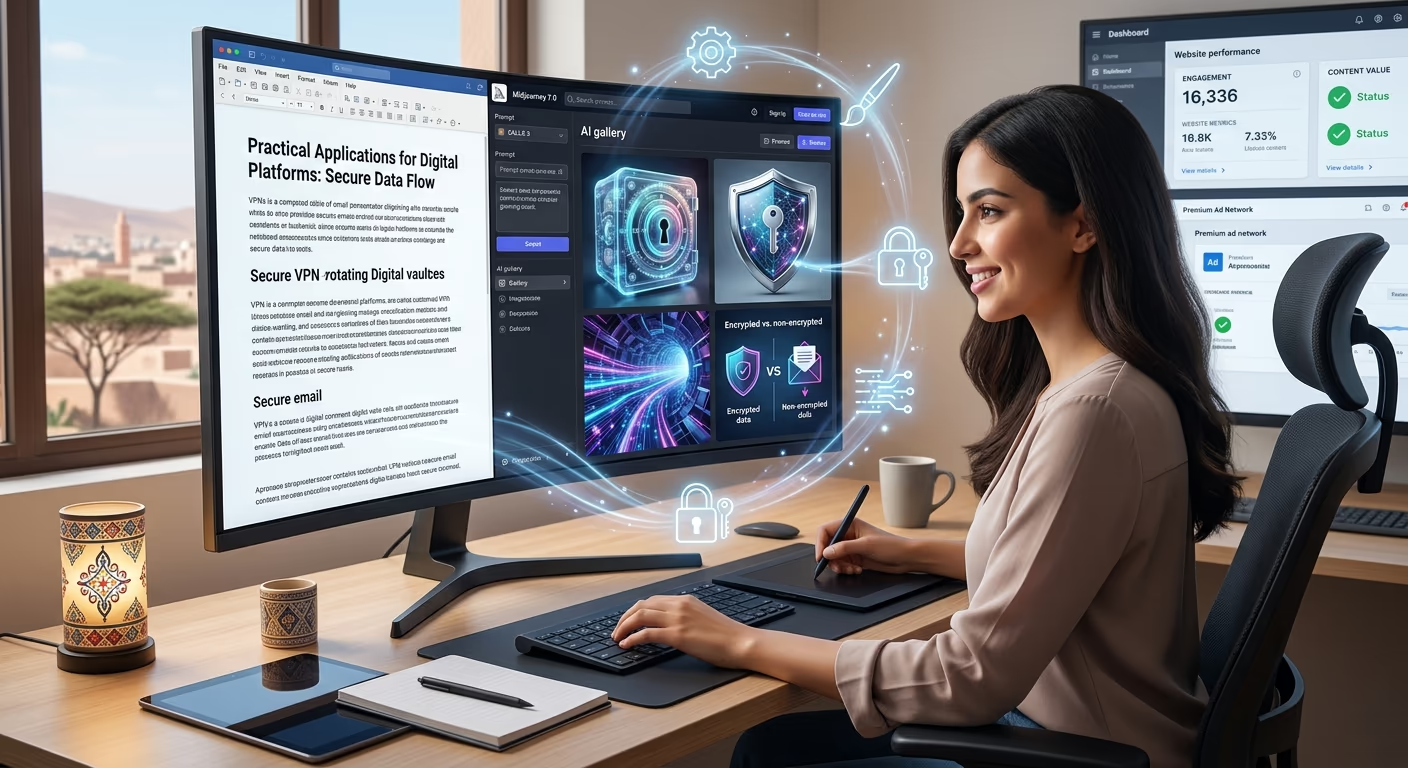
If you are writing a detailed educational article about virtual private networks, encrypted cloud storage, or secure email providers, you do not have to rely on boring stock photos of padlocks. Instead, you can generate clean, professional 3D illustrations of glowing digital vaults, futuristic security shields, or abstract data flowing through a secure network tunnel.
This custom artwork makes your technical comparisons much more engaging. It helps establish your platform as a premium and trustworthy source of information. It is really important to stand out in a crowded market, and unique, high-quality visuals are the best way to do exactly that. Your readers will appreciate the extra effort you put into making the content visually appealing.
Advanced Techniques for Creators
Once you have mastered the basics, you can start using advanced techniques to gain ultimate control over your output.
Negative Instructions
Many platforms allow you to use a negative prompt. This is a special text box where you tell the machine exactly what you do NOT want to see. If you are generating a picture of a quiet street and you want to ensure there are no cars, you simply type cars, vehicles, traffic into the negative box. This is a powerful way to keep your scenes clean and focused. It prevents the generative AI from adding random clutter to your beautiful artwork.
Aspect Ratios
Do not forget to dictate the shape of your canvas. Most tools default to a perfect square. If you are creating a thumbnail for a video or a header for a blog post, you need a widescreen format. If you are creating a story for social media, you need a tall vertical format. Most platforms let you set the aspect ratio with a simple command at the very end of your text. Getting the size right from the beginning saves you a lot of cropping and editing time later, especially if you are strictly following specific web design dimensions.
Troubleshooting and Fixing Mistakes
Sometimes the machine gets confused. It might generate a picture with weird details. Maybe the character has too many fingers, or the background geometry makes absolutely no sense. This is a very common issue in the world of AI creation.
When this happens, do not get frustrated. You just have to be very precise to fix these issues. Try simplifying your text. If you ask for too many complex actions at once, the system gets overwhelmed. Break your idea down into simpler terms. Also, make sure your most important keywords are at the very beginning of the sentence. The machine pays the most attention to the first few words it reads.
It is an awesome feeling when you finally tweak your words perfectly, and the exact image you imagined pops up on your screen. It takes patience, but the reward is absolutely worth the effort. Do not be afraid to generate the same idea ten or twenty times. Each time, the artificial intelligence will give you a slightly different variation. You can simply pick the one that looks the best and discard the rest.
Building a Consistent Visual Style
If you are using these tools for a specific brand or a dedicated website, you want all of your artwork to look like it belongs together. You do not want a watercolor painting on one page and a neon cyberpunk 3D render on the next page. It makes your brand look messy and unprofessional.
To build consistency, create a style formula. Find a combination of artistic mediums, lighting, and color palettes that you love. Save those exact words in a document. Every time you need a new graphic for your project, use that exact same style formula at the end of your new subject description. This ensures that every piece of content you produce feels connected and highly professional. Consistent design elements, like specific typography colors or a unified 3D style, build trust with your audience.
Conclusion
The world of generative AI is moving at lightning speed. What used to take days of hard work can now be accomplished in mere seconds. But despite how smart these machines become, they will always need a human director to guide them. Your creativity, your unique ideas, and your ability to choose the right words are what make the final product special.
By practicing the techniques in this guide, focusing on vivid descriptions, and experimenting with different lighting and styles, you will quickly become a master of digital creation. The blank text box is no longer something to fear. It is an empty canvas waiting for your incredible imagination.