
How to Protect Yourself From AI Scams
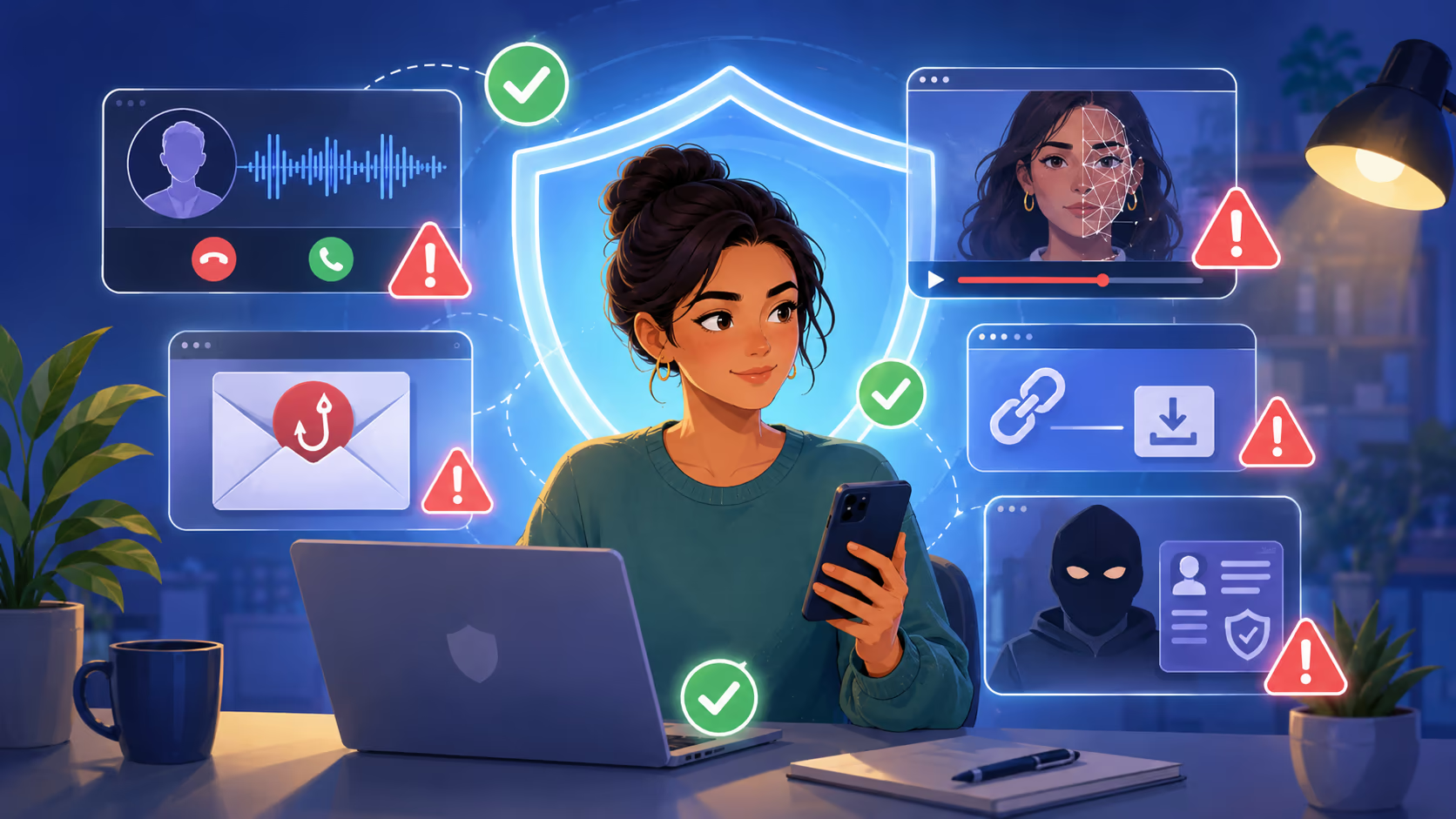
AI scams are becoming harder to spot because they often look and sound real. A message may seem personal. A voice may sound like someone you know. A video may appear to show a public figure, a company leader, or a family member saying something urgent.
That does not mean we need to panic. It means we need better habits.
To protect yourself from AI scams, the most important rule is simple: slow down, verify through another trusted channel, and never let urgency make the decision for you.
AI has changed the speed and quality of scams, but it has not changed the goal. Scammers still want money, personal information, account access, or trust. The best protection is a mix of awareness, verification, strong account security, and a clear plan for what to do when something feels wrong.
What Are AI Scams?
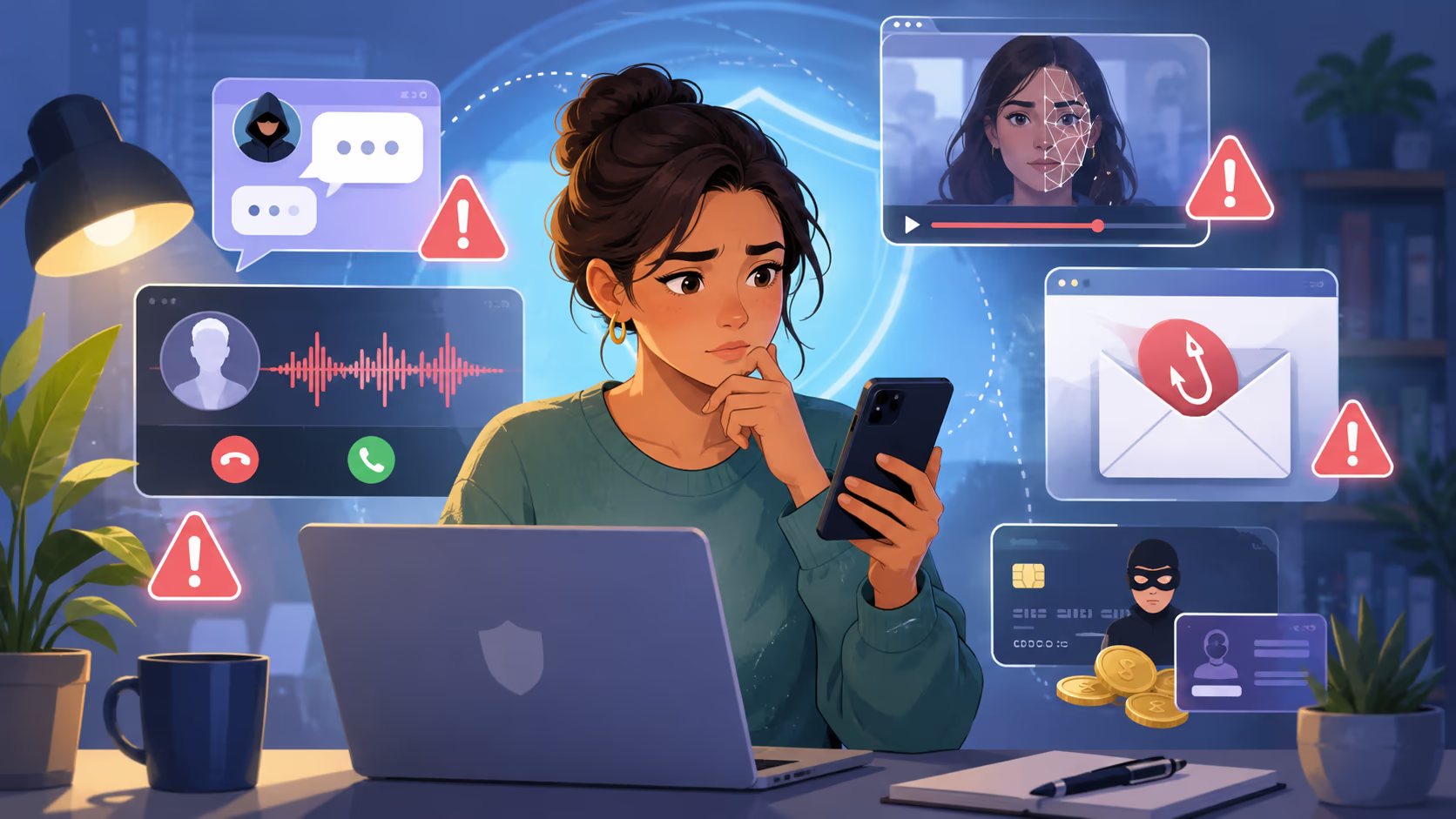
AI scams are fraud attempts that use artificial intelligence to make deception more believable, faster, or easier to personalize.
A scammer might use AI to write convincing emails, clone a person’s voice, create fake photos, generate fake videos, build fake customer support chats, or imitate a trusted company. Some scams are fully automated, while others are traditional scams made more convincing with AI.
In plain English, AI scams are not a new kind of fraud as much as a stronger version of old fraud. The scam may still involve a fake emergency, a fake investment, a fake job, a fake invoice, or a fake prize. The difference is that AI can make the story feel more real.
Why AI Scams Matter
AI scams matter because they attack trust.
We are used to trusting familiar voices, professional emails, official looking websites, realistic videos, and messages that include personal details. AI can help scammers create all of these at scale.
This is especially risky when money, identity, work accounts, or family emergencies are involved. A scam can move quickly from a message to a payment, a password reset, or a stolen bank account.
AI scams also matter because they can target almost anyone.
You do not need to be careless to fall for one. Many scams are designed to catch people during a stressful moment, such as when they are tired, busy, worried about a loved one, or trying to solve an urgent problem at work.
Key Concepts Readers Should Understand
AI Does Not Need to Be Perfect to Fool People
A deepfake video does not have to be flawless. A cloned voice does not have to sound perfect. A phishing email does not have to be beautifully written.
Scams work when they create enough pressure and trust for a person to act before checking.
A shaky phone call that sounds like your child in distress can feel real because the emotion is real. A fake email from your bank can feel real because the fear of account theft is real. A fake message from your boss can feel real because work pressure is real.
Scammers Use Public Information
Many AI scams begin with information that is already online.
Scammers may collect names, photos, job titles, family connections, workplace details, social media posts, public videos, and voice clips. They can use these details to make a message sound personal.
For example, a scammer may know your company name, your manager’s name, your recent travel plans, or the name of a relative. That does not prove the message is real. It only proves that some personal information was available.
Urgency Is the Warning Sign
Urgency is one of the strongest signs of a scam.
Scammers want you to act now, pay now, click now, share a code now, or keep the conversation secret. AI helps them create messages that feel more emotional and believable, but the pressure pattern is usually the same.
Real organizations usually give you time to verify. Scammers do not.
How AI Scams Work
AI scams often follow a simple pattern.
Stage | What the scammer does | What you should notice |
|---|---|---|
Research | Collects public details about you, your family, or your workplace | The message may include real names or details |
Impersonation | Uses AI to imitate a person, company, or authority figure | The sender may seem familiar or official |
Pressure | Creates fear, excitement, secrecy, or urgency | You are pushed to act quickly |
Request | Asks for money, codes, login details, files, or remote access | The request benefits the scammer |
Exit | Moves money or data before you can reverse it | Payment methods may be hard to recover |
The safest moment to stop a scam is before the request is fulfilled.
Common Types of AI Scams
Voice Cloning Scams
In a voice cloning scam, a criminal uses AI to imitate someone’s voice. This can be used in fake family emergencies, fake business calls, or fake requests from someone in authority.
Example:
You get a call from someone who sounds like your son. He says he was in an accident and needs money right away. Another person gets on the phone and claims to be a lawyer or police officer. They tell you not to call anyone else.
That is a major warning sign. A real emergency should still allow verification.
What to do:
Call the person back using a number you already know. Do not use the number provided by the caller. If you cannot reach them, contact another trusted family member.
Deepfake Video Scams
A deepfake scam uses AI generated or AI altered video to make it look like someone said or did something they did not say or do.
Deepfakes may appear in fake investment ads, fake celebrity endorsements, romance scams, political scams, blackmail attempts, or workplace fraud.
Example:
A video appears to show a well known public figure promoting a crypto investment. The video claims the opportunity is limited and guaranteed.
That combination is suspicious. Real investments do not become safe because a famous face appears in a video.
AI Phishing Emails and Texts
AI can help scammers write cleaner, more natural phishing messages. These messages may have fewer spelling mistakes than older scams. They may also sound polite, professional, and specific.
Example:
You receive an email that looks like it came from a delivery company. It says your package is delayed and asks you to pay a small fee. The link leads to a fake payment page.
The small fee is often bait. The real goal may be your card number, login details, or personal information.
Fake AI Tools and Software Downloads
Scammers may advertise fake AI tools, fake productivity apps, fake browser extensions, or fake versions of popular software. Some are designed to steal passwords, install malware, or take over accounts.
Example:
You see an ad for a free AI image tool. It asks you to download a file or install an extension. After that, your browser begins behaving strangely, or your accounts show unusual activity.
A safer habit is to avoid downloading software from ads. Go directly to the official website or a trusted app store.
AI Investment Scams
AI investment scams often promise high returns with little risk. They may claim to use advanced trading bots, secret algorithms, crypto automation, or insider style market predictions.
The language can sound technical, but the warning signs are familiar.
Claim | Why it is risky |
|---|---|
Guaranteed profit | Real investments carry risk |
Limited time offer | Pressure reduces careful thinking |
Secret AI strategy | Lack of transparency is a warning sign |
Pay in crypto | Crypto transfers are often difficult to reverse |
Recruit others | It may be a pyramid style scheme |
A real investment should be understandable, registered where required, and verifiable through independent sources.
Fake Job and Freelance Scams
AI can help scammers create realistic company profiles, fake recruiter messages, fake interviews, and fake employment documents.
Common signs include:
You are hired too quickly
The pay is unusually high for simple work
You are asked to buy equipment from a specific vendor
You receive a check and are told to send money elsewhere
The recruiter uses a personal email instead of a company email
You are asked for sensitive personal information before a proper hiring process
A real employer should not ask you to move money for them or pay upfront to receive a job.
Romance and Social Media AI Scams
Scammers can use AI generated photos, fake profiles, and automated messages to build emotional trust. Some may keep a conversation going for weeks or months before asking for money.
They may claim to be overseas, working on a special project, stuck in an emergency, or unable to video call.
A person who refuses normal verification but asks for money should not be trusted.
Main Benefits of Learning How to Protect Yourself From AI Scams
Learning how to protect yourself from AI scams has practical benefits.
First, it helps you pause before reacting. That pause can prevent a financial loss.
Second, it helps you protect your accounts. Strong passwords, multi factor authentication, and safer login habits reduce the damage if one account is targeted.
Third, it helps you protect people around you. Many scams target families, older adults, small businesses, and employees. When one person learns the warning signs, they can help others avoid the same trap.
Fourth, it makes you more confident online. The goal is not to distrust everything. The goal is to verify important requests before taking action.
Common Warning Signs of AI Scams
Most AI scams still share classic scam signals.
The Message Creates Panic
Be careful when a message says:
Your account will be closed today
Your loved one is in danger
You owe money immediately
Police are involved
Your computer is infected
You must act before a deadline
Fear makes people move quickly. Scammers know this.
The Sender Asks for Secrecy
A scammer may say:
Do not tell your bank
Do not call your family
Do not speak to your manager
Keep this confidential
Stay on the phone
Secrecy is a control tactic. When someone tells you not to verify, that is a reason to verify.
The Payment Method Is Unusual
Be very cautious if someone asks for payment through gift cards, crypto, wire transfer, payment apps, prepaid cards, or cash delivery.
These methods are often used because they can be fast and hard to reverse.
The Request Involves Codes or Passwords
Never share login codes, one time passwords, password reset links, or authentication prompts with anyone who contacts you unexpectedly.
A real company should not ask you to read out a security code so they can fix your account.
The Link or Website Looks Almost Right
AI scams may lead to websites that look professional. The logo, colors, and layout may look familiar.
Still, check carefully. Scammers often use lookalike names, extra words, unusual spelling, or unfamiliar domains.
When in doubt, close the message and go to the official website yourself.
Step by Step: How to Protect Yourself From AI Scams
Step 1: Pause Before You Respond
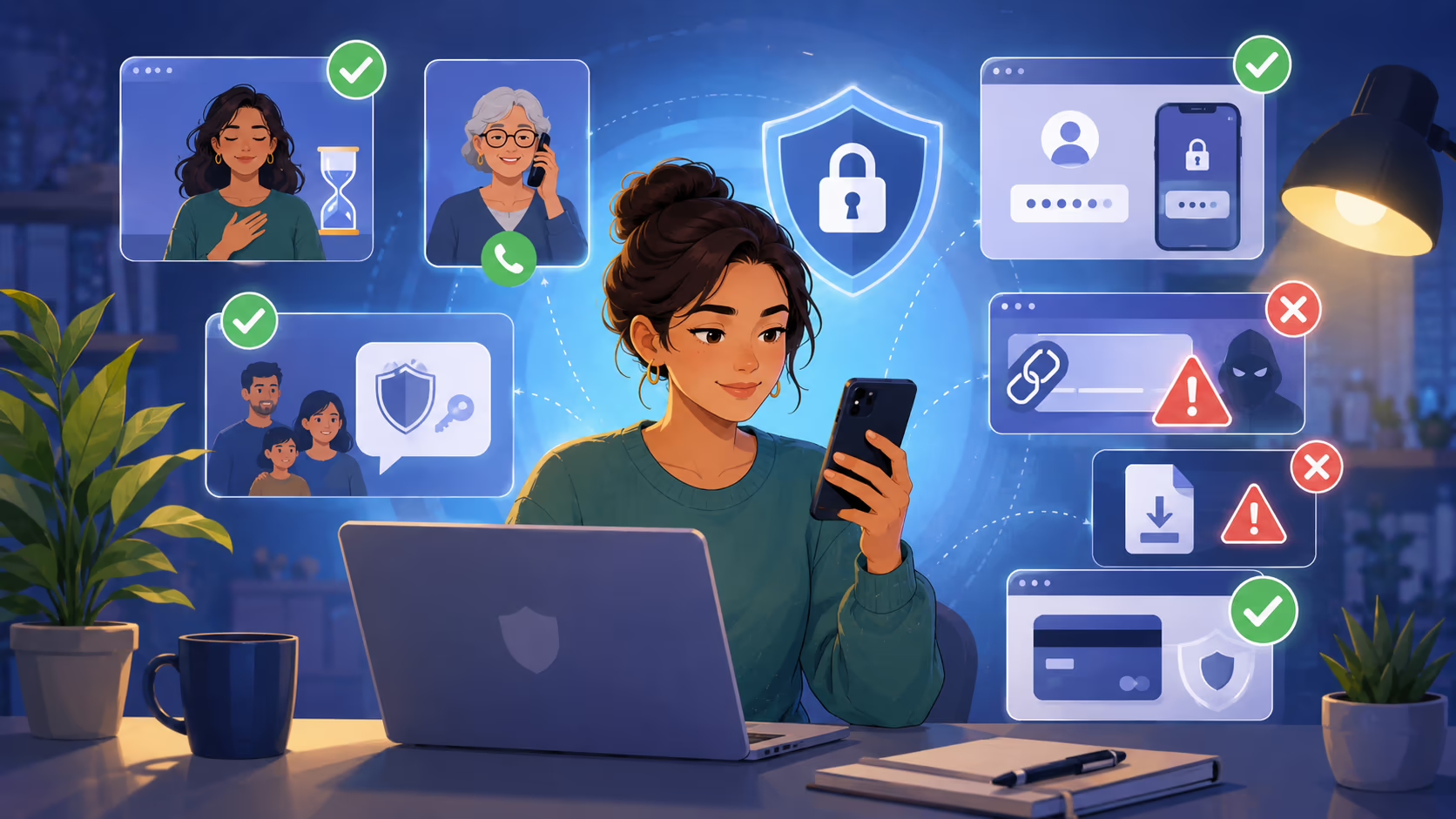
A pause is one of the strongest protections you have.
When a message feels urgent, take a breath. Do not click, pay, reply, or share information right away.
Ask yourself:
Did I expect this message?
Is the request unusual?
Is there pressure to act now?
Is the sender asking for money, codes, files, or personal data?
Can I verify this another way?
Step 2: Verify Through a Separate Channel
Do not verify through the same message, call, or link that created the concern.
Use a separate trusted channel.
Situation | Safer verification method |
|---|---|
A family member calls asking for money | Call their known number or another trusted relative |
A bank text says your account is locked | Open your bank app or call the number on your card |
Your boss asks for a wire transfer | Call them or confirm through an internal company process |
A delivery message asks for payment | Go directly to the delivery company’s official site |
A recruiter offers a job | Check the company website and official hiring channels |
Step 3: Create a Family Safety Word
A family safety word is a private word or phrase used to verify emergency calls.
Choose something simple but not easy to guess. Do not post it online. Share it only with trusted people.
If someone calls claiming to be a relative in trouble, ask for the safety word. If they cannot answer, hang up and verify another way.
This is especially helpful for families with older relatives, students, or people who travel often.
Step 4: Protect Your Accounts
Strong account security can reduce the damage from phishing and stolen passwords.
Use these habits:
Use a unique password for every important account
Store passwords in a trusted password manager
Turn on multi factor authentication wherever possible
Use an authenticator app or security key when available
Keep your phone, browser, and apps updated
Remove apps and extensions you do not use
Review account recovery email addresses and phone numbers
Multi factor authentication is not perfect, but it is much better than relying on a password alone.
Step 5: Be Careful With What You Share Online
You do not need to disappear from the internet, but you should reduce easy material for scammers.
Think before posting:
Public videos with clear voice samples
Your travel dates
Your child’s school or schedule
Workplace charts or internal screenshots
Family names and relationships
Photos of documents, badges, tickets, or IDs
Small details can help scammers sound more believable.
Step 6: Do Not Download AI Tools From Ads
Fake AI tools are a growing risk because people are curious about new apps.
Avoid downloading software from sponsored ads, pop ups, social media comments, or unknown links. Search for the official source yourself. Read reviews carefully. Check the developer name. Be cautious with browser extensions that ask for broad access.
A useful tool should not require unnecessary permissions.
Step 7: Treat Remote Access Requests as High Risk
Be very cautious if someone asks to access your computer or phone remotely.
Tech support scammers often claim your device is infected, your bank account is unsafe, or your identity is being used. They may ask you to install remote access software so they can help.
Do not give remote access to someone who contacted you unexpectedly.
Step 8: Slow Down Financial Decisions
AI investment scams depend on excitement and urgency.
Before investing, ask:
Can I explain how this investment works?
Is the return realistic?
Is the person or company independently verifiable?
Are they pressuring me to act today?
Are they asking for crypto or a wire transfer?
Have I checked with a qualified financial professional?
If the opportunity disappears because you took time to verify, it was probably not a safe opportunity.
Practical Examples
Example 1: The Fake Grandchild Call
A grandmother receives a call from someone who sounds like her grandson. The caller says he was arrested after a car accident and needs bail money. A second person claims to be a lawyer and says the family must not tell anyone.
A safer response:
Hang up. Call the grandson’s known phone number. If he does not answer, call his parents or another trusted relative. Do not send money until the story is verified.
Example 2: The Fake CEO Video Call
An employee receives a video call that appears to show a senior executive asking for an urgent vendor payment. The executive says it is confidential and must be handled before the end of the day.
A safer response:
Follow the company’s payment approval process. Confirm with the executive through a known internal channel. Report the request to finance or security.
Example 3: The Fake AI Investment Platform
A person sees a video of a famous entrepreneur promoting an AI trading platform. The platform promises daily profit and says users must deposit crypto to activate their account.
A safer response:
Do not deposit money. Search independently for warnings. Check whether the company is registered with the proper financial regulator. Avoid any platform that promises guaranteed returns.
Example 4: The Fake AI App
A student clicks an ad for a free AI writing app. The site asks for a browser extension installation. Soon after, social media accounts begin sending spam.
A safer response:
Remove the extension, change passwords from a clean device, enable multi factor authentication, check active sessions, and scan the device for malware.
Real Use Cases: Who Needs to Be Careful?
Families
Families should prepare for voice cloning scams and fake emergency calls. A family safety word and a habit of calling back on known numbers can make a big difference.
Older Adults
Older adults are often targeted through phone calls, tech support scams, romance scams, and government impersonation scams. The best protection is not shame or fear. It is a simple plan: pause, verify, and talk to someone trusted before sending money.
Small Businesses
Small businesses may face fake invoices, fake vendor changes, fake executive requests, and AI generated phishing emails. Clear payment approval rules are essential.
Employees
Employees should be careful with urgent requests involving payments, gift cards, payroll changes, login codes, customer files, or confidential documents.
Parents and Students
Parents and students should watch for fake scholarship offers, fake tutoring platforms, fake job opportunities, fake school messages, and account phishing.
Content Creators
Creators should be aware that their public voice, face, and image can be misused. They may also be targeted by fake sponsorships, fake copyright notices, and fake collaboration links.
Tools and Resources That Can Help
You do not need expensive tools to protect yourself from AI scams. The basics matter most.
Tool or habit | How it helps |
|---|---|
Password manager | Creates and stores unique passwords |
Multi factor authentication | Adds another layer beyond the password |
Security key | Provides stronger protection for important accounts |
Spam call blocking | Reduces unwanted scam calls |
Text message filtering | Helps reduce suspicious messages |
Device updates | Fixes security weaknesses |
Bank alerts | Helps catch suspicious transactions quickly |
Credit freeze | Makes it harder to open new credit in your name |
Official reporting channels | Helps authorities track scam patterns |
Technology helps, but it does not replace judgment. The safest habit is still verification.
Comparison: Manual Checks vs Security Tools
Protection method | Strengths | Limitations |
|---|---|---|
Manual verification | Works against many scams and costs nothing | Requires discipline and time |
Password manager | Prevents password reuse and helps spot fake sites | Must be set up correctly |
Multi factor authentication | Reduces account takeover risk | Some methods can still be tricked |
Security key | Strong protection for important accounts | May take effort to learn |
Scam filters | Blocks many obvious threats | Cannot catch every scam |
Credit monitoring | Alerts you to possible identity misuse | Does not prevent every type of fraud |
Family safety word | Useful for emergency voice scams | Only works if family members remember it |
The best approach is layered protection. No single tool catches everything.
Common Mistakes to Avoid
Trusting a Voice Because It Sounds Familiar
A familiar voice is no longer enough. Always verify urgent requests involving money, secrecy, travel trouble, legal trouble, or medical emergencies.
Clicking Links in Unexpected Messages
Even if a message looks real, avoid clicking links from unexpected emails or texts. Go directly to the official app or website.
Sharing Verification Codes
Never share login codes with someone who calls, emails, or texts you. Scammers often use these codes to enter your account.
Paying With Irreversible Methods
Gift cards, crypto, wire transfers, and some payment apps can be difficult or impossible to reverse. Treat these requests as high risk.
Installing Unknown Software
Do not install remote access apps, browser extensions, or AI tools from unknown sources.
Ignoring Small Red Flags
One odd detail may not prove a scam, but several together should stop you.
For example, a familiar voice plus urgency plus secrecy plus crypto payment is a serious warning.
Best Practices to Protect Yourself From AI Scams
Build a Verification Habit
Make verification normal. It is not rude to check. It is responsible.
A simple phrase can help:
I need to verify this through another channel before I do anything.
Use it with callers, messages, emails, and workplace requests.
Create Payment Rules
For personal life, decide that you will never send emergency money without calling someone trusted first.
For business, require more than one approval for payments, vendor changes, payroll changes, or bank account changes.
Keep Important Contacts Saved
Save key phone numbers for family members, banks, doctors, schools, employers, and service providers. This makes it easier to verify without using suspicious links or caller ID.
Use Strong Privacy Settings
Review privacy settings on social media. Limit who can see your posts, friend list, family connections, phone number, and personal details.
Talk About Scams Openly
Scam victims often feel embarrassed. That silence helps scammers.
Talk with family, friends, and coworkers about new scam methods. A five minute conversation can prevent a major loss.
Have a Response Plan
Before a scam happens, decide what you will do.
Your plan can be simple:
Stop communicating with the suspicious sender.
Verify through a trusted channel.
Contact your bank if money or cards are involved.
Change passwords if accounts may be exposed.
Report the scam to the proper authority.
Warn people who may also be targeted.
What to Do If You Think You Were Scammed
Act quickly, but do not panic.
If You Sent Money
Contact the company you used to send the money. This may be your bank, card issuer, payment app, wire transfer company, gift card company, or crypto platform.
Ask whether the transaction can be stopped, reversed, disputed, or flagged as fraud.
The sooner you act, the better your chances.
If You Shared a Password
Change the password immediately. If you used that password anywhere else, change it there too.
Turn on multi factor authentication. Sign out of all active sessions if the account allows it.
If You Shared Personal Information
Watch your financial accounts. Consider placing a fraud alert or credit freeze if sensitive identity information was exposed.
If your national ID number, tax number, or similar identity details were shared, follow the official identity theft steps in your country.
If You Installed Software
Disconnect from the internet if you suspect active remote access. Run a security scan. Remove unknown apps or extensions. Change passwords from a different trusted device.
If the scam involved work equipment, report it to your employer immediately.
If You Were Targeted at Work
Report the incident to your manager, IT team, finance team, or security team. Even if you did not lose money, the attempt may help protect others.
Important Things to Consider
AI Detection Tools Are Not Perfect
Some tools claim to detect AI generated text, images, audio, or video. They can help, but they should not be treated as final proof.
A real message can look suspicious. A fake message can pass as real.
Use detection tools as one signal, not the whole decision.
Laws and Rules May Differ by Country
Scam reporting systems, consumer protections, and refund rights vary by location. The general safety habits in this guide apply widely, but reporting steps may differ.
Use official government, bank, police, or consumer protection channels in your country.
Scammers May Target You Again
If you lost money once, you may be contacted by fake recovery services. They may claim they can get your money back for an upfront fee.
Be very cautious. Recovery scams often target people who are already hurt and looking for help.
Being Scammed Does Not Mean You Are Foolish
Scams are designed to manipulate normal human emotions. Fear, love, trust, stress, and hope are powerful.
The right response is not shame. The right response is action.
Final Thoughts
AI scams are serious, but they are not unstoppable.
The best way to protect yourself from AI scams is to build simple safety habits before you need them. Pause when something feels urgent. Verify through a separate trusted channel. Protect your accounts. Avoid suspicious downloads. Talk openly with family and coworkers. Report scams when they happen.
We cannot control every fake call, message, video, or website that appears online. But we can control how we respond.
The next time a message pushes you to act fast, take a breath. Real emergencies can be verified. Real companies can be contacted through official channels. Real opportunities do not require panic.
Your strongest protection is not a special tool. It is the decision to stop, check, and think before you trust.