
Replace Bad Passwords With Secure Password Storage
We have all been exactly there. You are sitting at your desk, trying to log into an account you have not visited in a few months. You type in your usual access key, but the screen shakes and tells you it is wrong. You try adding a number at the end, maybe a capital letter, or even that special symbol you sometimes use. Nothing works. After five frustrating attempts, you click the dreaded recovery link, wait for the email, and create a brand new login. And the worst part? When you type in the new phrase, the website tells you that you cannot reuse old credentials!
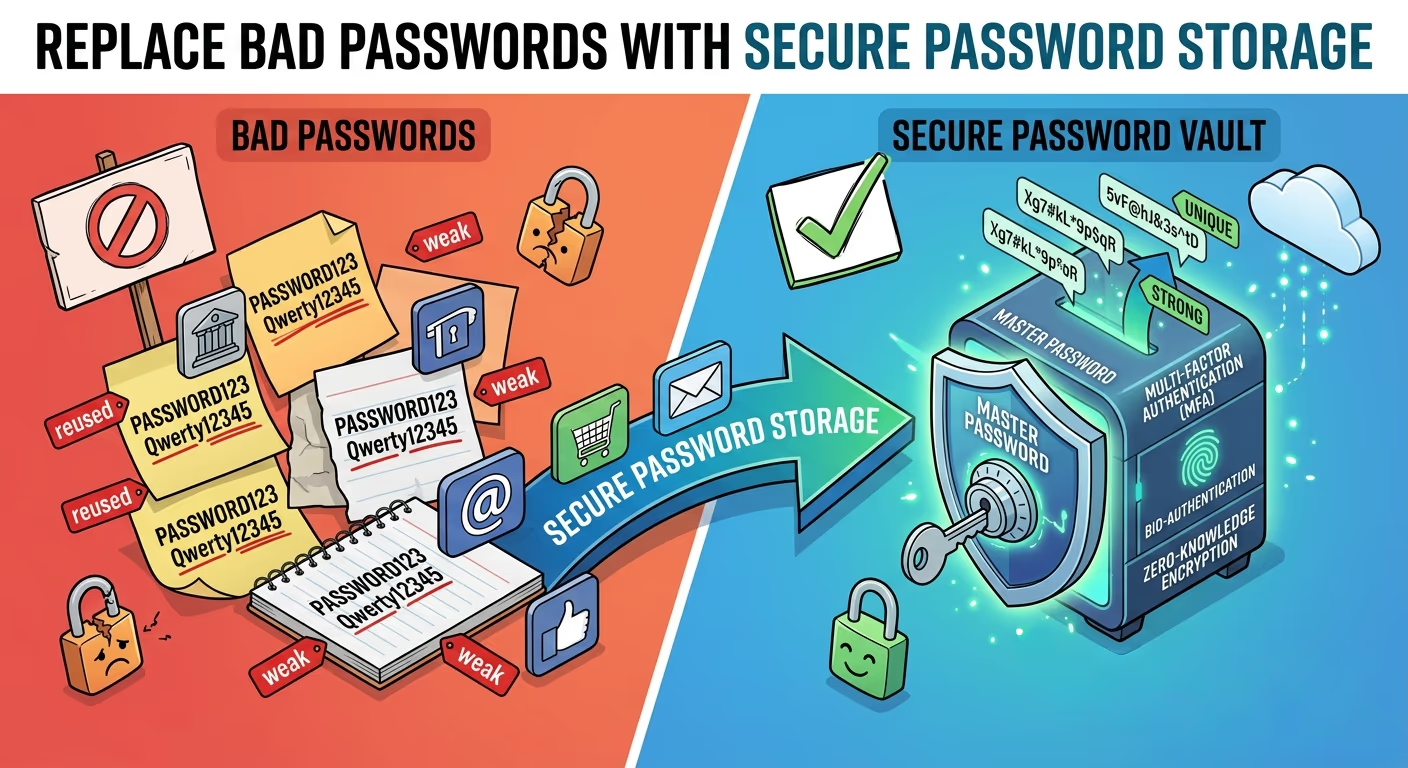
It is incredibly annoying, but it is a very common problem in our modern world. We simply have way too many profiles these days. From streaming services and email portals to online banking and shopping sites, the average person has dozens, if not hundreds, of digital subscriptions. Trying to remember a unique, strong combination for every single one of them is basically impossible for a normal human brain. That is exactly why modern internet users are turning to Password Managers to handle their daily logins. Utilizing secure password storage is the absolute best way to upgrade your digital security from the ground up.
So, what do most people actually do when faced with this massive memory challenge? They take dangerous shortcuts. They reuse the exact same phrase for everything, or they write them down on a sticky note that sits right next to their computer screen. These are massive mistakes that put personal data at serious risk. In this comprehensive guide, we are going to explore why our brains struggle with creating secure codes, how attackers actually steal information, and the simple tools you can use to protect yourself today without overwhelming your daily routine.

The Psychology of Lazy Habits
Before we look at the solutions, we need to understand the core problem. Human beings are creatures of habit. We like things to be easy and convenient. When a website forces us to register just to buy a pair of shoes or read a news story, we do not want to spend ten minutes inventing a complex security code. We want to get it done fast.
Because of this deep impatience, people rely on highly familiar patterns. They rely on their pet's name, their birth year, their favorite sports team, or the street they grew up on. If a portal requires a number and a symbol, internet users will almost always capitalize the first letter, add a "1" to the end, and finish it with an exclamation point.
For example, if someone's dog is named Buster, their secret phrase will likely become "Buster1!".
While this might feel like a clever mental trick to you, it is extremely predictable to outsiders. You might believe that your privacy is safe because you live a quiet life and no one would specifically target you. But the truth about online safety is that cybercriminals rarely target individuals manually. They utilize vast, automated systems that scan the entire internet looking for the easiest targets. If your personal defenses are weak, you will eventually get caught in their sweeping net.
How Cybercriminals Actually Steal Your Information
Many people imagine bad actors as shadowy figures in dark hoodies, furiously typing on green-glowing screens to break into a government mainframe. In reality, modern attacks are much more automated, mathematical, and surprisingly boring. Here are the most common ways these digital thieves gain access to your private profiles.
1. The Automated Guessing Game
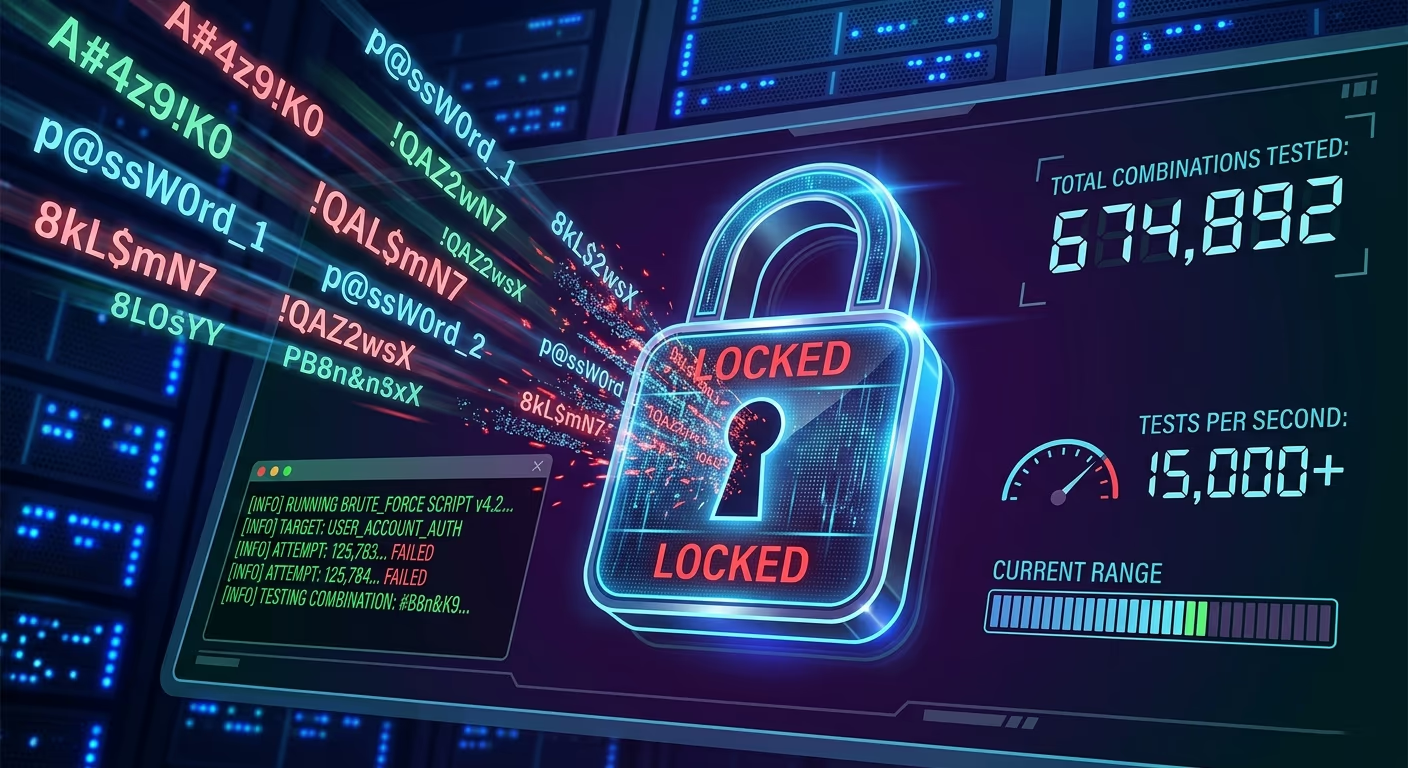
A brute force attack is exactly what it sounds like. An attacker utilizes a powerful computer program to guess every single possible combination of letters, numbers, and symbols until it finds the right match. If your login phrase is short, say six or seven characters, a modern machine can guess it in a matter of seconds.
2. The Digital Dictionary Method
This is a much smarter version of the brute force approach. Instead of guessing random letters like "a-a-a-a," the malicious program runs a massive digital dictionary. It cycles through every word in the English language, combining them with common numbers and symbols. This is exactly why relying on a single dictionary word, even a very long one like "encyclopedia," is a terrible idea for your safety.
3. The Danger of Credential Stuffing
This is arguably the absolute biggest threat on the web today. Let us imagine you chose the phrase "CoffeeLover99" for a small, poorly secured discussion forum. One day, that small forum gets breached, and the thieves steal the entire user database. They now possess your email address along with that specific login phrase.
These bad actors know that most people reuse their details. So, they take your email and "CoffeeLover99" and automatically test it across thousands of other websites, including banks, social media platforms, email providers, and online stores. If you reused that exact combination anywhere else, they instantly gain full access to those profiles too.
4. The Deception of Phishing Scams
Sometimes, attackers do not even need to guess your information. They just trick you into handing it over directly. They will send a highly realistic email that looks exactly like it came from your bank, claiming there is a critical problem with your funds. The message includes a link that takes you to a fake website that looks identical to your bank's real homepage. When you type in your username and phrase, you are actually sending it straight to the thief.
The Myth of Clever Substitutions
For a very long time, security experts told people to make their logins more complex by swapping out standard letters for numbers or symbols. This practice is sometimes called "leetspeak." For instance, they suggested replacing the letter "a" with the "@" symbol, or the letter "e" with the number "3".
Under this outdated advice, a basic word transforms into something like "P@ssw0rd".
Unfortunately, this strategy simply does not work anymore. Attackers are fully aware of these tricks. Their dictionary software is specifically programmed to test all of these common substitutions instantly. If you think you are being highly clever by using "P@ssw0rd123", you are actually relying on one of the most commonly breached codes on the entire internet. You need a much better, modern approach to protect your identity.
The Anatomy of True Protection
So, if standard words are bad, and swapping letters for symbols fails, what actually makes a good defense? The final answer comes down to two main factors: total length and pure randomness.
Length Overrides Complexity
In the world of cryptography, size really does matter the most. Every time you add a single character to your phrase, you make it exponentially harder for a computer program to guess. A code that is 16 characters long and only uses lowercase letters is actually much harder to crack than an 8-character string that uses uppercase, lowercase, numbers, and symbols combined.
The Power of Passphrases
If you absolutely must memorize a login, the greatest method is to invent a "passphrase." A passphrase is a random sequence of completely unrelated words strung together.
For example, consider the phrase: "purple banana airplane keyboard".
This string is very long, which makes it completely immune to brute force attempts. It uses words that have absolutely no logical connection to each other, which totally defeats standard dictionary attacks. And best of all, it is surprisingly easy for a human brain to picture and remember without writing it down.
However, even if you utilize brilliant passphrases, you still run straight into the credential stuffing problem if you ever reuse them. You still desperately need a unique passphrase for every single website you visit. And that harsh reality brings us right back to the original problem: how on earth do you manage hundreds of unique, complex logins?
Why People Avoid Better Systems
A huge number of internet users know they should do better. They watch news reports about massive data breaches, and they feel a quick moment of pure panic. They might even update their most important bank details that very day. But within a week or two, they slide right back into their old, lazy habits.
Why does this cycle always happen? Because managing online safety feels like a full-time, exhausting job. Keeping track of dozens of complex phrases across different devices, like a smartphone, a work computer, and a home tablet, is just way too much friction for the average person to handle. When faced with too much daily friction, humans almost always choose the path of least resistance.
To break this terrible cycle forever, we have to remove the friction entirely. We need a system that does the heavy lifting in the background, so we can go back to browsing the web freely without constantly worrying if our personal details are about to be stolen.
The Ultimate Fix: Automated Digital Helpers
The absolute best way to handle this massive headache is to utilize a dedicated software tool built specifically for this exact job. Mentioning Password Managers is essential here, as they are the undisputed champions of the online safety world.
You can think of one of these tools as a highly secure password vault. Instead of trying to memorize dozens of complicated strings, you only ever need to memorize one single, incredibly strong master phrase. This acts as the heavy steel door to your personal safe.
When you unlock your digital helper, the software does all the hard work automatically. It safely holds all your usernames and access keys. When you visit a familiar website, the program automatically fills in your details, saving you from typing anything manually at all.
But the best password managers do much more than just remember things. They actually generate complex strings for you. When you register a new profile on a shopping site, the software can instantly create a random string of characters and save it directly into your vault. You never even have to look at it, let alone try to remember it. This guarantees that every single profile you own has a completely unique, uncrackable lock on it.
If you are reasonably worried about putting all your private information into one single app, you should know that the top tools utilize something called zero-knowledge encryption. Without diving into confusing technical jargon, this basically means the company providing the software cannot possibly see your stored data. They encrypt your safe so heavily that only your specific master phrase can open it. If a bad actor attacks the company's central servers, they get nothing but scrambled, useless code because of this incredible zero-knowledge encryption technology.
Embracing one of these automated tools is the single most important step you can take to upgrade your personal safety today. It removes the daily stress of forgetting logins, stops you from reusing bad phrases, and protects you against almost every common attack technique used in the modern era.
Adding an Extra Layer of Defense
While utilizing a secure vault is an awesome first step, there is one more vital thing you should do to lock down your most sensitive portals, like your primary email and your financial institutions. It is known as Multi-Factor Authentication, or MFA.
MFA requires you to provide two different pieces of evidence to firmly prove you are who you claim to be before you can successfully log in.
The First Factor: Something you know (your memorized phrase).
The Second Factor: Something you physically possess (your smartphone).
When you have MFA actively turned on, typing in your initial credentials is only the very first step. The website will then immediately send a temporary, one-time code to your phone via text message, or you can generate a code utilizing a special authenticator app. You must type in that temporary code to finalize the login process.
Why is this simple step so incredibly powerful? Imagine that a thief somehow manages to steal your main phrase. They navigate to your bank's website and type it in perfectly. But because you have MFA enabled, the bank immediately asks for the six-digit code that was just sent directly to your phone. The thief is sitting in a dark room halfway across the world, and your phone is sitting safely in your pocket. The thief cannot get the required code, so they simply cannot get into your funds. It is an incredibly simple but devastatingly effective measure.
Most modern websites proudly offer MFA in their security settings, and you should definitely turn it on wherever it is possible to do so.
Final Thoughts on Protecting Your Digital Life
Taking real control of your online presence might feel overwhelming at first glance. There is a lot of scary news out there regarding massive data breaches and terrifying identity theft. But truly protecting yourself does not require an advanced degree in computer science or hours of daily effort. It just requires permanently changing a few bad habits.
Stop relying on your fragile memory to manage hundreds of complex logins. Stop reusing the exact same easily guessable words across the entire internet. By thoroughly understanding how attackers operate, creating strong master passphrases, turning on multi-factor authentication, and utilizing proper automated tools to manage your data, you can build an impenetrable digital fortress around your personal information.
Take a quiet Sunday afternoon to audit your current profiles, change your absolute weakest phrases, and set up a proper, secure system. It is a very small time investment that will give you permanent peace of mind and keep your sensitive data exactly where it belongs: safely in your own hands.