
Brevo Review: Is It Worth It?
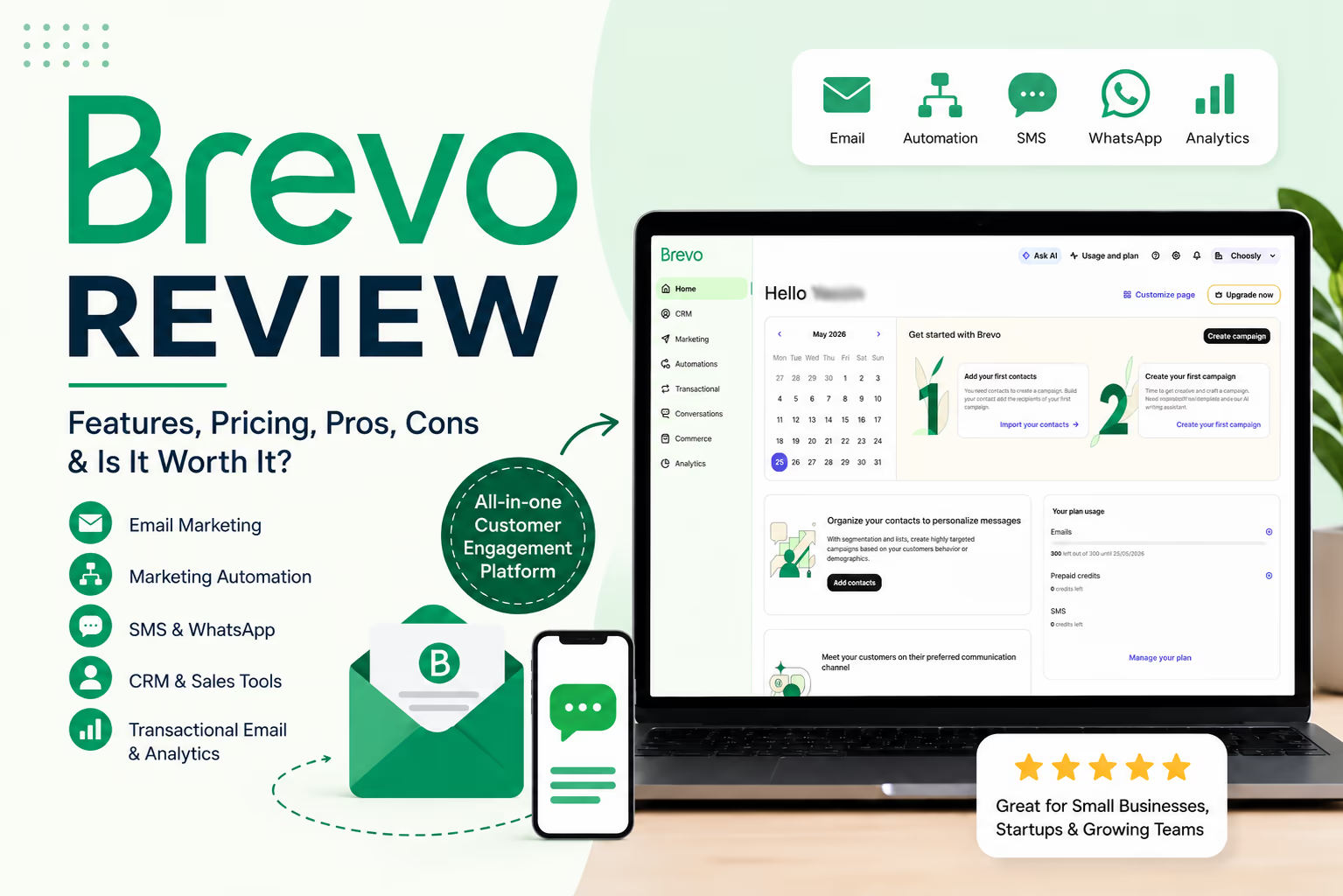
Choosing an email marketing platform is no longer only about sending newsletters. Most businesses now need automation, contact management, signup forms, transactional emails, SMS, reporting, and sometimes sales tools in one place.
That is where Brevo becomes interesting.
In this Brevo review, we look at the platform from a practical buyer's point of view. We focus on what it does well, where it may feel limited, how the pricing works, and who should consider it before choosing a more complex or more expensive tool.
Brevo is especially attractive for small businesses, ecommerce brands, startups, creators, agencies, and teams that want email marketing with room to grow into automation, SMS, WhatsApp, CRM, chat, and transactional messaging.
What Brevo is
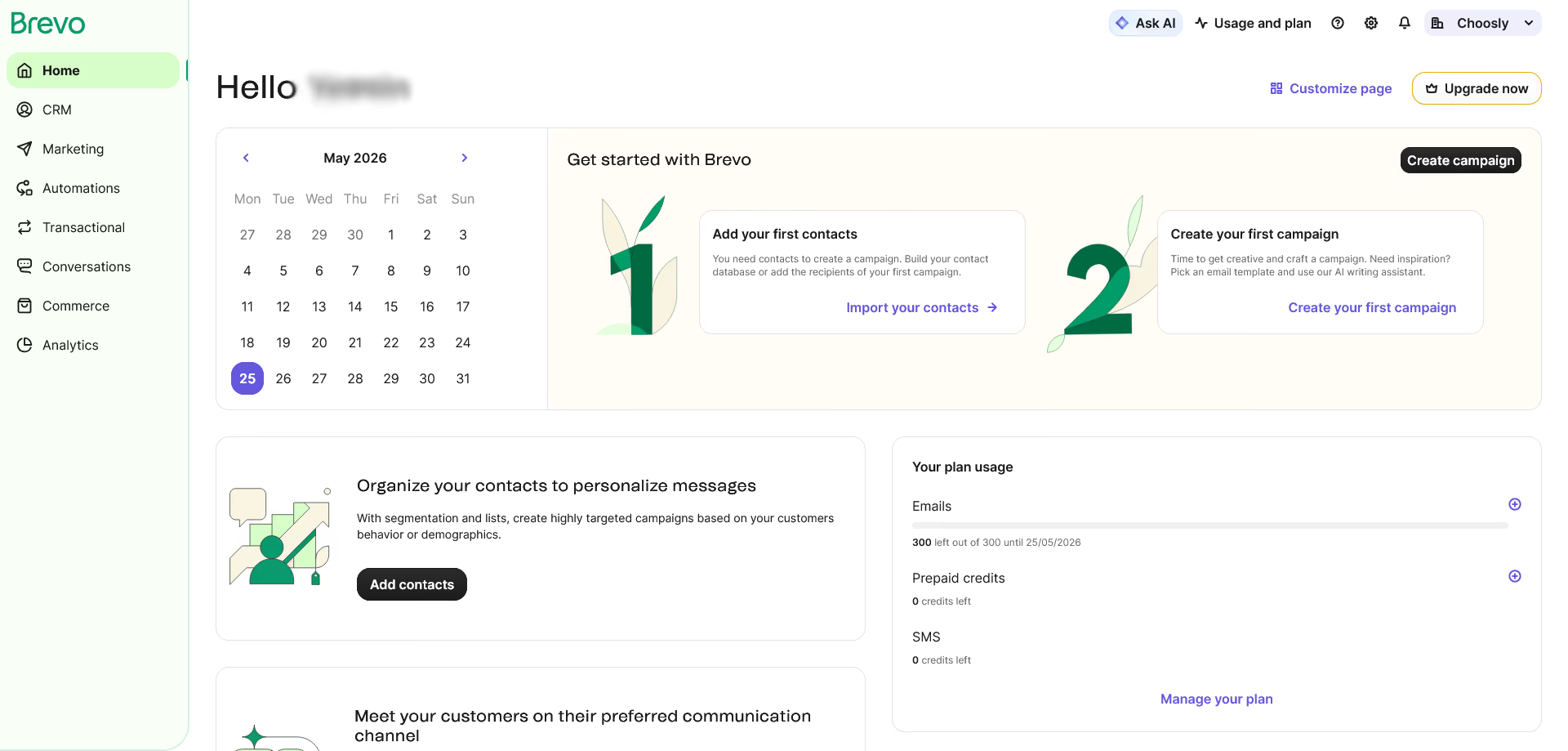
Brevo is a customer relationship and marketing platform built around email marketing, automation, transactional messaging, SMS, WhatsApp, live chat, sales tools, and customer data features.
The product started with a strong focus on email marketing, but today it is broader than a simple newsletter tool. You can use it to create email campaigns, build forms, manage contacts, automate customer journeys, send transactional emails, track performance, and manage basic sales activity.
In simple terms, Brevo sits between a classic email marketing tool and a larger customer platform. It is not as heavy as HubSpot, and it is not as ecommerce focused as Klaviyo, but it offers a useful mix of marketing and customer communication features.
Who Brevo is best for
Brevo is best for businesses that want practical marketing tools without paying only based on contact list size.
It is a strong fit for small businesses that need newsletters, signup forms, and simple automation. It also works well for ecommerce stores that want abandoned cart emails, order updates, segmentation, and transactional messages.
Brevo can also suit agencies and growing teams that manage different communication channels. The platform supports email, SMS, WhatsApp, push, live chat, phone, and wallet related features depending on the plan and add ons.
We would recommend Brevo most for:
Small businesses that want affordable email marketing
Ecommerce stores that need automation and transactional email
Startups that want a generous free plan
Teams that need email plus SMS or WhatsApp
Businesses that want CRM style sales features without buying a full enterprise CRM
Brevo may not be the best fit for companies that need very advanced enterprise reporting from day one, complex attribution modeling, or a deeply specialized ecommerce platform with advanced predictive commerce features built around online stores only.
Key features
Email marketing
Brevo's email marketing tools cover the basics well. You can design campaigns with a drag and drop editor, use templates, segment your audience, and review campaign performance.
Brevo also promotes AI generated subject lines, email content, and predictive send time optimization on supported plans. For most small businesses, this is enough to create newsletters, product announcements, welcome campaigns, event emails, promotions, and customer updates.
The editor is beginner friendly, but still flexible enough for teams that want reusable sections, custom templates, and branded designs.
Marketing automation
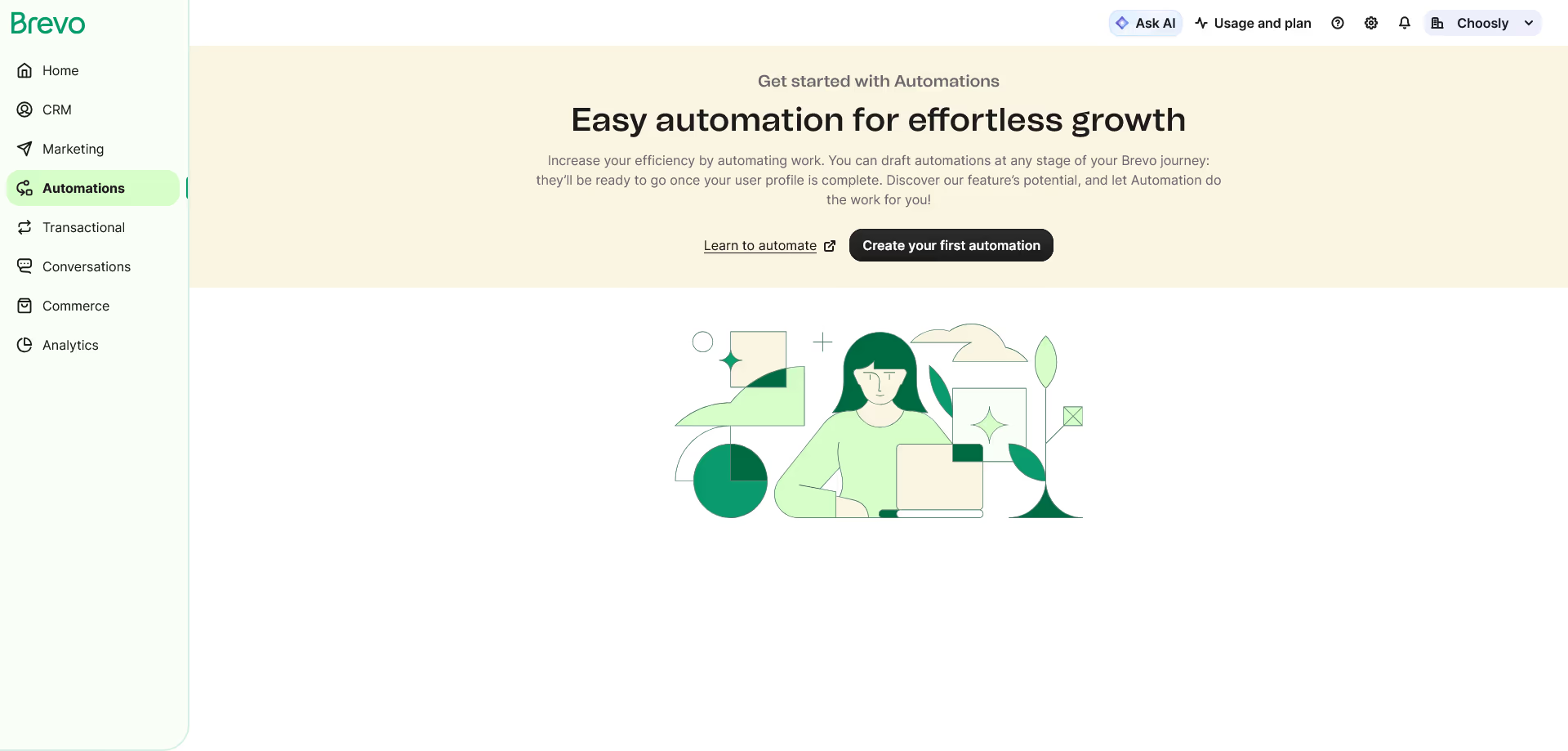
Brevo includes automation tools for welcome emails, birthday emails, abandoned cart emails, and other customer journeys. On the Free plan, automation is limited to 2,000 unique contacts entering active automations, while the Standard plan includes automation for unlimited contacts.
This makes Brevo useful for businesses that want to move beyond one time campaigns.
For example, an online store can create a sequence like this: a visitor signs up for a discount, Brevo sends a welcome email, and if the person clicks but does not buy, Brevo sends a reminder. If the person buys, they move into a post purchase sequence.
That kind of workflow can save time and improve customer communication without requiring a large marketing team.
Contact management and segmentation
Brevo lets you store and organize contacts, create segments, and target people based on attributes, engagement, website behavior, campaign activity, and custom events.
This matters because better segmentation usually leads to better campaigns.
Instead of sending the same message to everyone, a business can send one version to new subscribers, another to repeat buyers, and another to inactive contacts.
Transactional email
Transactional email is one of Brevo's strongest areas. These are emails triggered by a user action, such as password resets, order confirmations, shipping updates, account alerts, and verification codes.
Brevo supports transactional email through API, SMTP relay, plugins, webhooks, personalization, and inbound parsing. It also supports SDKs for common programming languages.
This makes Brevo useful for developers and ecommerce teams that need marketing email and transactional email in one platform.
A practical example would be a WooCommerce store using Brevo for both newsletters and order confirmation emails. Another example would be a SaaS app using Brevo to send password resets, onboarding emails, and product updates.
SMS and WhatsApp marketing
Brevo supports SMS campaigns and, on higher plans or through available credits and add ons, WhatsApp messaging. SMS credits are sold separately, and WhatsApp credit pricing depends on recipient country and template type.
This is useful for businesses that need urgent or high visibility communication.
For example, a clinic could send appointment reminders by SMS. A retailer could send order status updates. A service company could use WhatsApp to follow up with warm leads.
The key point is that these channels cost extra, so buyers should check expected message volume before committing.
Sales and CRM features
Brevo includes free sales features such as open deals, a sales pipeline, meeting scheduling, reporting, forecasting, task management, one connected calendar, one mailbox, and conversation tools. The Free plan is limited to 50 open deals and one pipeline.
For light sales management, that is helpful.
A small agency could track leads, schedule calls, and follow up with prospects from the same platform used for email marketing. A local service business could manage contact forms, lead conversations, and sales tasks without buying separate CRM software.
However, teams with complex sales workflows may still prefer a dedicated CRM.
Live chat, chatbot, phone, and inbox tools
Brevo also offers conversation tools, including live chat, chatbot, universal inbox, meetings, phone, and visitor intelligence.
This is useful for businesses that want to connect marketing and support.
For example, when a website visitor asks a question through live chat, the team can capture the lead and later follow up by email. This makes Brevo more than just a campaign sender.
Customer data platform features
Brevo has more advanced customer data tools for teams that need to unify data from different sources. These can include source import, identity resolution, data preparation, scoring, dashboards, and data exploration.
This will not be necessary for every small business, but it matters for growing companies with scattered data across ecommerce, point of sale, CRM, warehouse, and analytics tools.
Security and compliance
Brevo publishes security and privacy information, including secure data centers, EU based servers, encrypted backups, multi factor authentication, IP whitelisting, and ISO 27001:2022 certified practices. Brevo also states that its practices support GDPR, CASL, and CCPA.
For businesses with European customers, this is important. Brevo also offers GDPR related tools and documentation, but users still need to manage consent and compliance correctly on their own side.
Brevo pricing and plans
Brevo's pricing is one of its biggest selling points, but it needs careful reading.
The platform offers five main marketing plans: Free, Starter, Standard, Professional, and Enterprise. Brevo also states that yearly billing saves 10 percent, with credits topped up monthly.
Plan | Starting price | Best for | Key limits and features |
|---|---|---|---|
Free | $0 per month | Individuals and early testing | 300 email sends per day, 100,000 contacts storage, 1 user, basic reporting, email and SMS campaigns, transactional email, automation for up to 2,000 contacts |
Starter | From $9 per month | Single users starting email and multichannel marketing | From 5,000 monthly emails, no daily sending limit, AI content generator, forms, advanced segmentation, optional logo removal |
Standard | From $18 per month | Small businesses ready to automate and test campaigns | Marketing automation for unlimited contacts, A/B testing, advanced reporting, AI send time optimization, web and event tracking, 1 landing page |
Professional | From $499 per month | Marketing teams using data and AI across channels | From 150,000 emails per month, 10 users, contact scoring, advanced ecommerce features, WhatsApp campaigns, web and mobile push, phone support, deliverability specialist support |
Enterprise | Custom pricing | Large organizations with high volume and advanced needs | Custom email volume, unlimited contacts storage, unlimited users, sub organization management, dedicated IP, SLA, enterprise support, custom data features |
The Free plan is generous because it allows 300 email sends per day and up to 100,000 stored contacts. However, unused daily sends do not roll over, and if a campaign has more than 300 recipients, only 300 receive it on the scheduled day unless the campaign is manually requeued.
The Starter plan removes the daily sending limit and starts at 5,000 monthly email sends. The Standard plan is the better choice for most serious small businesses because it adds stronger automation, A/B testing, advanced reports, send time optimization, and landing pages.
The Professional plan is a major jump in price. It is not really aimed at casual newsletter users. It is for teams that need high volume, advanced ecommerce features, more users, contact scoring, AI segmentation, WhatsApp campaigns, and stronger support.
Check Brevo pricingPricing note: Brevo prices and plan details can change. Always check the final pricing page before subscribing.
Important add ons
Brevo also has optional add ons. Some are useful, but they can increase the final cost.
Add on | Current detail | Why it matters |
|---|---|---|
Remove Brevo logo | $10.80 per month on Starter | Needed if you want professional emails without Brevo branding on the Starter plan |
Additional marketing seat | $10.80 per month per seat | Useful for growing teams on supported plans |
Dedicated IP | $251 per year | Useful for high volume senders that want more control over sender reputation |
Sales Essentials | $27.92 per month | Adds unlimited open deals, pipelines, sales automation, chatbot scenarios, enrichment, and more |
Sales Advanced | $58.50 per month | Adds outreach sequences, AI chatbot, phone VoIP, call recording, call summaries, and more |
Brevo also offers prepaid email credits that do not expire, and one credit equals one email sent to one contact. SMS and WhatsApp credits vary by country and message type.
Pros and cons
Pros
Strength | Why it matters |
|---|---|
Generous free plan | 300 email sends per day is useful for testing, small newsletters, and early stage businesses |
Good value for email marketing | Starter and Standard plans are affordable compared with many larger platforms |
Strong transactional email | API, SMTP, plugins, webhooks, and SDK support make it useful for developers and ecommerce stores |
Multichannel tools | Email, SMS, WhatsApp, push, chat, and phone options allow businesses to manage more communication in one place |
Useful automation | Welcome emails, abandoned carts, segmentation, and event based workflows cover many practical use cases |
Scales beyond newsletters | Sales tools, conversations, and customer data features give businesses room to grow |
Cons
Weakness | Why it matters |
|---|---|
Free plan has a daily send cap | Large newsletters are hard to send on the Free plan because the 300 daily limit does not roll over |
Some features require add ons | Logo removal on Starter, extra seats, sales tools, SMS, WhatsApp, and dedicated IP can increase total cost |
Professional plan is expensive | The jump from Standard to Professional is large, so mid sized teams should check whether they need those advanced features |
Not the deepest CRM | Sales features are helpful, but complex sales teams may still need a dedicated CRM |
Advanced reporting depends on plan | Free users get basic statistics only, while deeper analytics require higher plans |
Real use cases
Small business newsletter
A local gym, restaurant, consultant, or nonprofit can use Brevo to collect subscribers, send updates, promote events, and automate welcome emails.
The Free plan can work if the list is small and the business sends modest volumes. Once the list grows, Starter or Standard becomes more practical.
Ecommerce store
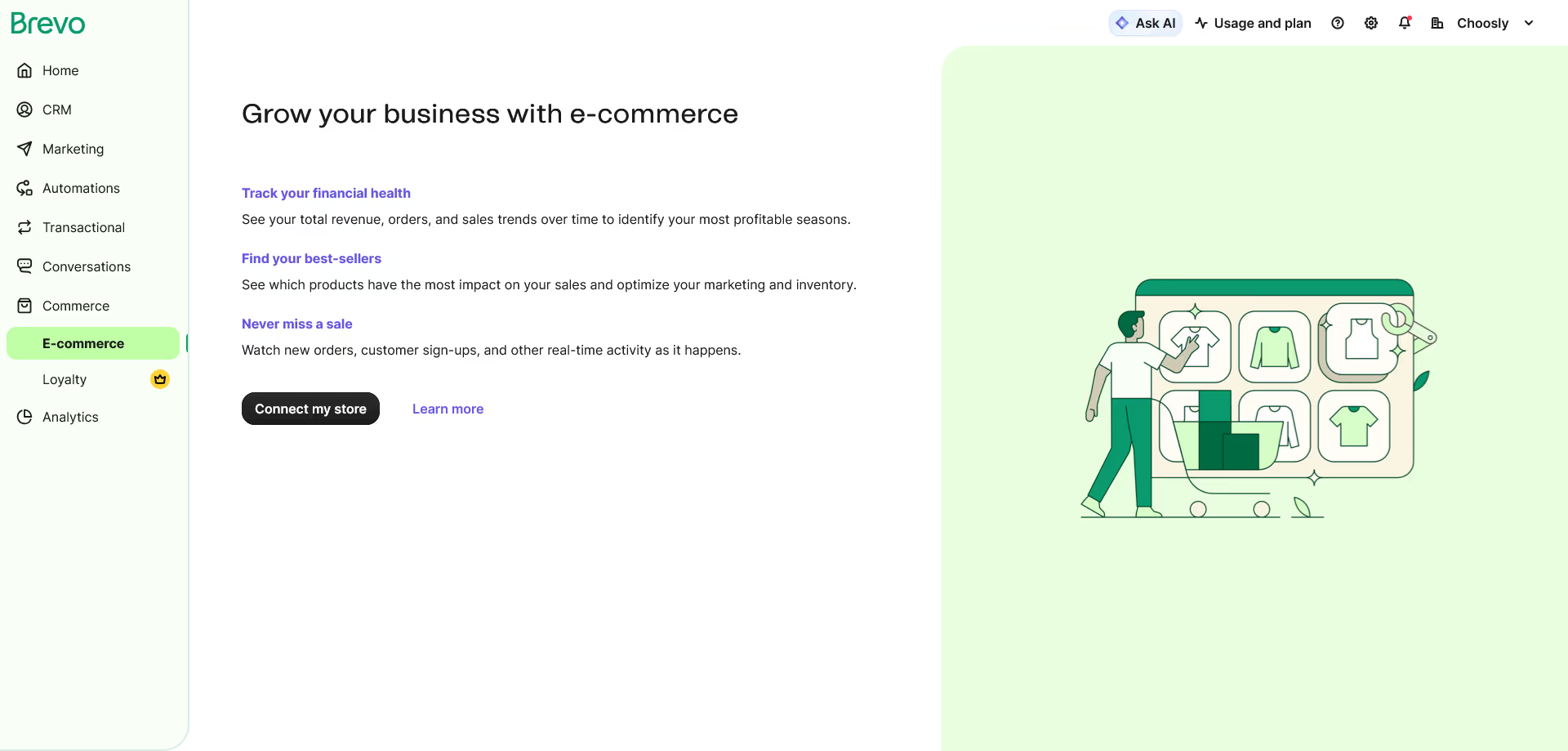
An ecommerce brand can use Brevo for product launches, abandoned cart emails, post purchase messages, order updates, segmentation, and transactional emails.
Standard is likely the better entry point for ecommerce because it includes stronger automation and reporting. Professional becomes relevant when the store needs advanced ecommerce features, contact scoring, AI recommendations, WhatsApp, and higher volume.
SaaS or app transactional email
A SaaS business can use Brevo to send password resets, signup confirmations, account notifications, 2FA codes, onboarding emails, and product updates.
This is one of Brevo's strongest use cases because marketing email and transactional email can live in the same ecosystem.
Agency client communication
A small agency can manage newsletters, lead forms, automated follow ups, live chat, and basic sales pipelines inside Brevo.
This reduces tool switching, especially when the agency does not need a large CRM.
Service business lead nurturing
A clinic, real estate office, education company, or home services provider can use Brevo to capture website leads, send automated follow ups, schedule meetings, and use SMS reminders.
This is where Brevo's combination of forms, automation, CRM style tools, and conversations can be useful.
User experience
Brevo feels designed for practical users rather than only advanced marketers.
The campaign builder is approachable, and the platform does not require technical knowledge for standard email campaigns. Beginners can build emails, create contact lists, and set preferences without needing to understand code.
From a reviewer's perspective, the user experience is strongest when you use Brevo for simple to medium complexity workflows. Creating a signup form, sending a campaign, setting up a welcome email, or checking basic reports should feel manageable for most users.
The platform can feel more complex once you start adding sales packages, WhatsApp, dedicated IPs, push campaigns, customer data tools, or advanced automation. That is normal for a platform with many modules, but it means teams should set up only what they need at first.
Our practical advice is to start with email, forms, contact lists, and one or two automations. After that, add SMS, chat, CRM, or advanced workflows only when there is a clear business reason.
What makes Brevo different
Brevo stands out because it balances affordability, email marketing, transactional messaging, and multichannel communication better than many entry level tools.
Some email platforms are simple but limited. Some CRM platforms are powerful but expensive. Some ecommerce tools are excellent but focused mainly on online stores.
Brevo sits in the middle.
The biggest differences are:
It offers a useful Free plan with 300 daily email sends.
It supports both marketing and transactional email.
It includes SMS and WhatsApp options.
It provides sales and conversation tools.
It gives small teams a way to grow without starting with enterprise pricing.
The pricing model can also be attractive for businesses with larger contact databases but moderate sending volume, because Brevo pricing is strongly connected to email sends and plan tier rather than only charging heavily based on contact count.
Possible drawbacks
Brevo is not perfect, and buyers should understand the tradeoffs.
The Free plan is excellent for testing, but it is not ideal for large newsletters. The 300 daily send limit can slow campaigns if your audience grows.
The Starter plan is affordable, but removing Brevo branding costs extra. For a business that wants polished client facing emails, that add on matters.
The Standard plan is the sweet spot for many businesses, but teams that need advanced ecommerce, AI segmentation, WhatsApp campaigns, phone support, or deliverability support may need Professional, which starts much higher.
The CRM tools are useful, but Brevo is not a full replacement for a complex sales CRM in every case. A company with custom sales processes, complex permissions, advanced forecasting, and deep sales reporting may prefer HubSpot, Salesforce, or another dedicated CRM.
Also, SMS and WhatsApp costs can vary. Businesses that rely heavily on those channels should calculate message volume before choosing Brevo as their main communication platform.
Comparison with alternatives
Brevo is not the only good option. The right alternative depends on your business model, budget, and complexity.
Alternative | Best for | How it compares with Brevo |
|---|---|---|
Mailchimp | Simple email marketing and brand friendly templates | Mailchimp is polished and familiar, but Brevo may be more attractive for users who want transactional email and broader multichannel tools at a lower starting cost |
HubSpot | Businesses that want a powerful CRM and full customer platform | HubSpot is stronger as a complete CRM and revenue platform, but it can become expensive as needs grow |
Klaviyo | Ecommerce brands with advanced store data needs | Klaviyo is very strong for ecommerce segmentation and automation, while Brevo may be better for businesses wanting broader communication channels and simpler pricing |
Constant Contact | Small businesses that want guided email marketing and support | Constant Contact is beginner friendly, while Brevo offers stronger transactional email and more multichannel flexibility |
Brevo is usually the more practical choice when you want email marketing plus transactional email, SMS, and basic CRM tools in one platform. HubSpot is better when CRM depth matters most. Klaviyo is better when ecommerce personalization is the main priority. Mailchimp is still a good option for users who mainly want easy newsletter design and familiar marketing tools.
Final verdict
Brevo is a strong email marketing and customer communication platform for businesses that want more than newsletters but do not want to start with a heavy enterprise system.
Its best qualities are its generous Free plan, affordable Starter and Standard tiers, strong transactional email tools, useful automation, segmentation, and multichannel communication options.
It is not perfect. Some important features require higher plans or add ons, and the jump to Professional is significant. The CRM features are helpful, but they may not replace a dedicated CRM for complex sales teams.
Still, for many small businesses, ecommerce stores, SaaS companies, service providers, and growing teams, Brevo offers a practical balance of price, features, and scalability.
Clear recommendation
We recommend Brevo if you want affordable email marketing with automation, transactional email, SMS options, and room to grow into CRM and customer conversations.
Start with the Free plan if you are testing. Choose Starter if you mainly need email sending without the daily cap. Choose Standard if you are serious about automation, testing, and reporting. Consider Professional only if your team needs high volume, advanced ecommerce, WhatsApp campaigns, scoring, AI driven features, and stronger support.
Our final take: Brevo is worth considering for most small and growing businesses that want a flexible marketing platform without paying for a complex enterprise stack too early.
Explore Brevo