
Proton Pass vs 1Password: Which Is Better?
Disclosure: Some links in this article may be affiliate links. If you purchase through them, we may earn a commission at no extra cost to you. Our reviews remain independent and are based on research, product information, pricing, features, and practical value for users.
Choosing a password manager is one of the simplest ways to improve your online security. Most people have too many accounts to remember strong and unique passwords for every website, app, store, bank account, and work tool.
That is where password managers help.
They can create strong passwords, store them securely, autofill login details, warn you about weak passwords, and help protect your accounts from common security mistakes.
In this Proton Pass vs 1Password comparison, we look at two popular password managers that are both built for security, but with different strengths.
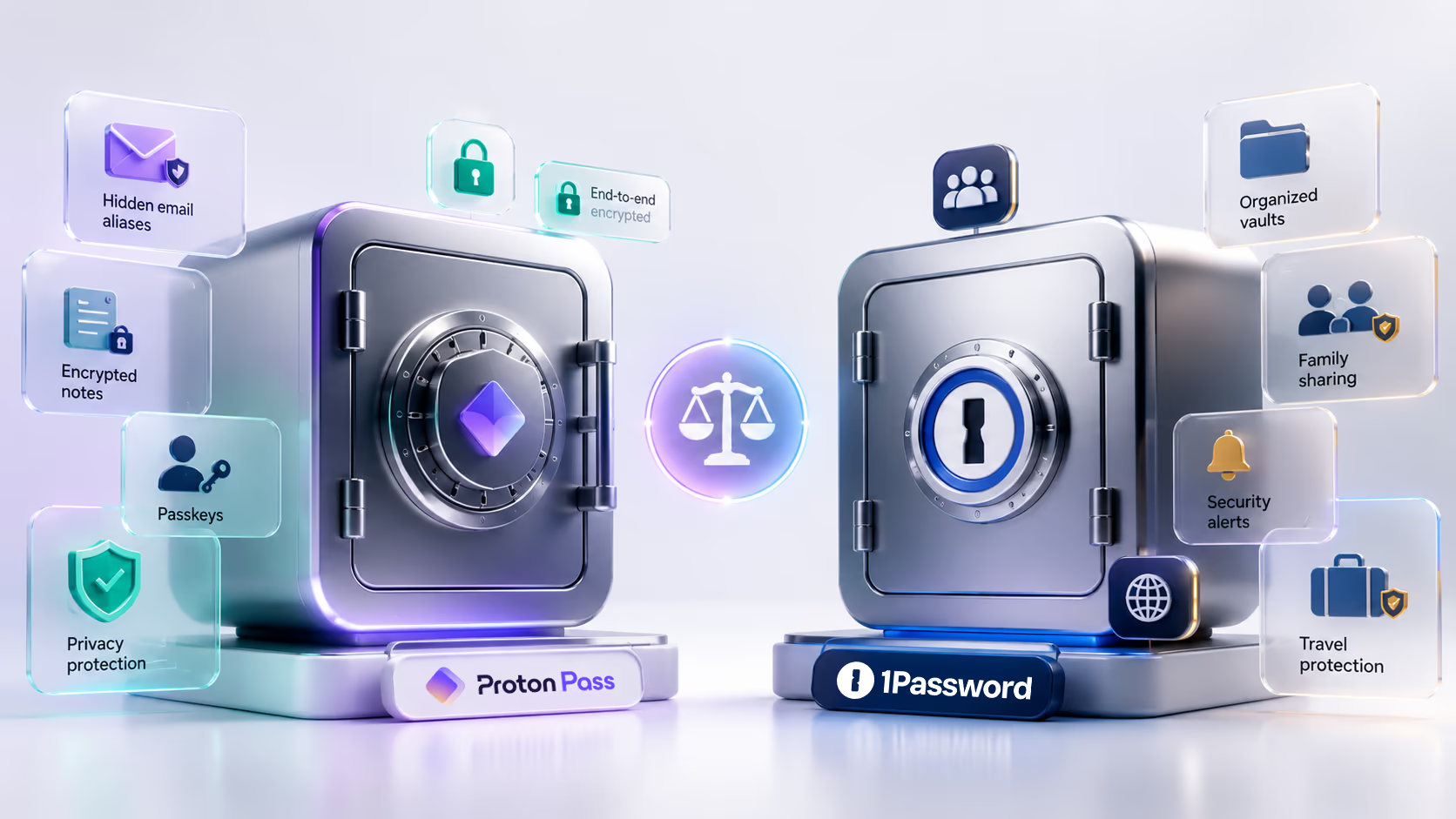
Proton Pass is a privacy focused password manager from Proton, the company behind Proton Mail, Proton VPN, Proton Drive, and other encrypted services. Proton describes Proton Pass as an encrypted password manager that can store passwords, notes, credit cards, passkeys, and email aliases across devices.
1Password is one of the most established password managers on the market. It focuses on polished apps, secure sharing, Watchtower alerts, passkeys, Travel Mode, family vaults, and a security model that uses both your account password and a unique Secret Key.
So, which one should you choose?
The simple answer is this: Proton Pass is better for privacy focused users, people who want a strong free plan, email aliases, and users already inside the Proton ecosystem. 1Password is better for families, frequent travelers, teams, and users who want a polished password manager with mature organization and security features.
Quick Verdict
Choose Proton Pass if you want a privacy focused password manager with a free plan, hide my email aliases, encrypted password storage, passkeys, integrated two factor authentication on paid plans, dark web monitoring, and easy access to other Proton services.
Choose 1Password if you want a polished password manager for individuals, families, teams, travel, secure sharing, passkey management, and strong account protection through its Secret Key system.
Proton Pass feels especially attractive for users who care about privacy and want strong value at a lower price.
1Password feels more mature for families, team workflows, secure organization, and users who want a long standing password manager with excellent usability.
Proton Pass vs 1Password: Quick Comparison
Category | Proton Pass | 1Password |
|---|---|---|
Best for | Privacy focused users, Proton users, beginners, budget users | Families, professionals, teams, travelers, users who want a polished experience |
Free option | Proton Free available | 14 day free trial |
Starting paid plan | Pass Plus from $2.99 per month on annual billing | Individual promo price $2.40 per month for the first year, then $3.99 per month, paid annually |
Family option | Pass Family from $4.99 per month on annual billing, up to 6 users | Families promo price $3.60 per month for the first year, then $5.99 per month, paid annually, up to 5 family members |
Main strength | Privacy, email aliases, strong free plan, Proton ecosystem | Mature apps, Secret Key, Watchtower, Travel Mode, family and team features |
Passkeys | Supported | Supported |
Email aliases | Strong built in alias tools | Not the main focus |
Travel Mode | Not a main feature | Included |
Best value for | Privacy focused individuals | Families and users who want polished organization |
Main limitation | Newer than 1Password | No permanent free plan |
1Password’s current pricing page lists the Individual plan at $2.40 per month for the first year, then $3.99 per month, paid annually. It also lists the Families plan at $3.60 per month for the first year, then $5.99 per month, paid annually, with up to 5 family members. The promotion is listed as a limited time discount for new customers during the first year with annual billing.
What Is Proton Pass?
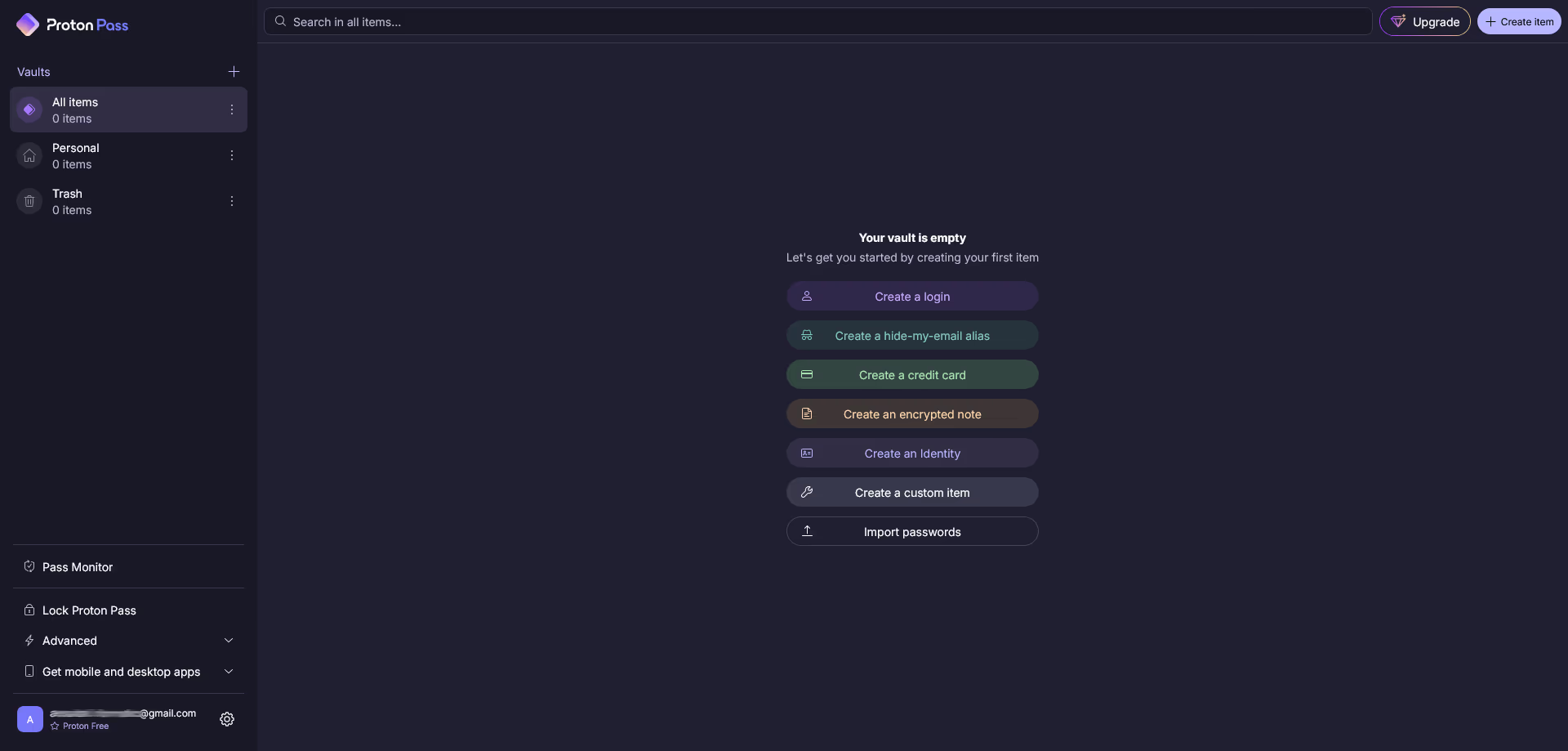
Proton Pass is a password manager built by Proton. It helps users store passwords, create strong logins, autofill forms, manage passkeys, save credit cards, create secure notes, and protect real email addresses with aliases.
The biggest appeal of Proton Pass is privacy. Proton says Proton Pass protects data with the same privacy focused approach used across its encrypted ecosystem. Its pricing page also lists features such as unlimited logins, unlimited devices, browser and desktop apps, password generator, hide my email aliases, passkeys, and alerts for weak or reused passwords on the free plan.
Proton Pass also fits naturally into the wider Proton ecosystem. If you already use Proton Mail, Proton VPN, or Proton Drive, Proton Pass can feel like a natural addition.
It is also attractive because the free plan is generous. For users who want to stop reusing passwords without paying right away, Proton Pass is one of the easier tools to start with.
What Is 1Password?
1Password is a password manager built for individuals, families, teams, and businesses. It helps users store passwords, passkeys, credit cards, private documents, software licenses, identities, and other sensitive information.
1Password is known for its clean apps, strong security model, family sharing features, Watchtower security alerts, and Travel Mode.
Its pricing page says the Individual plan includes secure password generation, autosave and autofill, secure item sharing, access on all devices, and alerts for weak or compromised credentials. The Families plan adds up to 5 family members, unlimited shared vaults, and simple admin controls.
For users who want a mature, reliable, and polished password manager, 1Password remains one of the strongest choices.
Pricing Comparison
Pricing is one of the clearest differences between Proton Pass and 1Password.
Proton Pass is better if you want a permanent free plan or a lower cost paid password manager. 1Password is more expensive after the first year, but it offers strong value for families, teams, and users who want a refined experience.
Plan type | Proton Pass | 1Password |
|---|---|---|
Free option | Proton Free available | 14 day free trial |
Individual paid plan | Pass Plus from $2.99 per month on annual billing | Individual promo price $2.40 per month for the first year, then $3.99 per month, paid annually |
Family plan | Pass Family from $4.99 per month on annual billing, up to 6 users | Families promo price $3.60 per month for the first year, then $5.99 per month, paid annually, up to 5 family members |
Full privacy bundle | Proton Unlimited from $9.99 per month on annual billing | Not a full Proton style privacy bundle |
Best for budget users | Proton Pass | 1Password only if the first year promo is your priority |
Best for families | Strong value for up to 6 users | Stronger family management for up to 5 family members |
Trial or guarantee | Proton paid plans include a 30 day money back guarantee | 14 day free trial |
Proton Pass lists four main personal options: Proton Free, Pass Plus, Pass Family, and Proton Unlimited. Pass Plus adds features such as unlimited hide my email aliases, built in two factor authentication, secure vault sharing, secure link sharing, Dark Web Monitoring, file attachments, advanced account protection, Emergency Access, custom domains for aliases, and additional mailboxes for aliases.
1Password’s current pricing page lists Individual at $2.40 per month for the first year, then $3.99 per month, paid annually. It lists Families at $3.60 per month for the first year, then $5.99 per month, paid annually. It also notes that promotions are limited time discounts for new 1Password customers only for the first year with annual billing.
| View Proton Pass Plans | View 1Password Plans |
|---|
Pricing note: Prices and promotions can change. Always check the final checkout page before subscribing.
Which Password Manager Offers Better Value?
Proton Pass offers better value for individuals who want strong privacy features without paying much. The free plan is useful, and Pass Plus adds premium tools at a lower long term price than 1Password.
1Password offers better value for families and users who want a polished password manager with excellent organization, Travel Mode, mature apps, and strong sharing tools.
Choose this tool | If you need |
|---|---|
Proton Pass | A strong free plan and privacy focused features |
Proton Pass Plus | Email aliases, Dark Web Monitoring, integrated two factor authentication, and secure sharing |
Proton Unlimited | Proton Pass plus Proton Mail, VPN, Drive, Calendar, and other Proton services |
1Password Individual | A polished personal password manager |
1Password Families | Password sharing and account management for a household |
1Password Business | Admin controls, business security, and team management |
For most privacy focused individuals, Proton Pass is the better value.
For families and professional users, 1Password is often the stronger overall package.
Security Comparison
Both Proton Pass and 1Password take security seriously, but they use different positioning.
Proton Pass focuses heavily on privacy and encrypted services. It is part of Proton’s wider privacy ecosystem, which includes encrypted email, VPN, cloud storage, calendar, and other privacy tools. Proton also lists passkeys, password alerts, secure sharing, Dark Web Monitoring, file attachments, and advanced account protection among its plan features.
1Password focuses on mature password management, strong encryption, Secret Key protection, secure sharing, Watchtower alerts, and a polished daily security experience. Its plan comparison states that 1Password protects vaults, URLs, and data with end to end AES 256 bit encryption and strengthens account security with Two Key Derivation using your password and Secret Key.
In simple terms, both tools are secure enough for most users. The better choice depends on what kind of security experience you prefer.
Choose Proton Pass if you like Proton’s privacy philosophy and want password management connected with private email, VPN, and cloud storage.
Choose 1Password if you want a mature password manager with Watchtower, Travel Mode, family features, and a strong Secret Key based account model.
Password Storage and Autofill
Both tools can store passwords and autofill logins across devices.
Proton Pass supports browser, mobile, and desktop apps. Its free plan includes unlimited logins, notes, credit cards, unlimited devices, password generator, 10 hide my email aliases, weak and reused password alerts, passkeys, and easy password import.
1Password also supports major desktop and mobile platforms, along with browser extensions for Chrome, Safari, Edge, Firefox, and Brave. Its personal plan page lists autofill for login credentials, addresses, and credit cards.
For everyday password storage and autofill, both tools work well.
1Password may feel more polished for users who want a mature app experience.
Proton Pass may feel simpler and more privacy focused, especially for users already using Proton services.
Email Aliases and Privacy Tools
This is one of the biggest advantages for Proton Pass.
Proton Pass includes hide my email aliases. On the free plan, users get 10 hide my email aliases. On Pass Plus, users get unlimited hide my email aliases, custom domains for aliases, additional mailboxes for aliases, and the ability to initiate emails from aliases.
This is very useful for newsletters, online stores, free trials, social accounts, forums, and websites you do not fully trust.
1Password is excellent for storing passwords and sensitive data, but email alias management is not its main focus in the same way.
Winner for email privacy: Proton Pass
Watchtower vs Proton Pass Monitoring
1Password includes Watchtower style security alerts. Its pricing page says users get alerts for weak or compromised credentials. Its comparison section also mentions actionable security alerts for potential breaches, password health, and team usage.
Proton Pass includes alerts for weak and reused passwords on the free plan, while paid plans add Dark Web Monitoring and advanced account protection.
Both tools help users improve password hygiene.
1Password feels more mature as a password security dashboard.
Proton Pass is strong for privacy focused monitoring, especially when combined with email aliases and Proton services.
Winner for mature security dashboard: 1Password
Winner for privacy focused monitoring: Proton Pass
Passkeys
Both Proton Pass and 1Password support passkeys.
Proton Pass lists passkeys supported on all devices as part of its free plan.
1Password’s plan comparison also lists authentication with two factor authentication, biometrics, or passkeys.
Passkeys matter because they can reduce reliance on traditional passwords and improve protection against phishing.
For most users, both tools are ready for passkey adoption.
Winner: Tie
Sharing and Family Use
1Password is stronger for families.
Its Families plan includes up to 5 family members, unlimited shared vaults, and simple admin controls. Its comparison section also lists the ability to manage and access unlimited shared vaults for account members and recover members of the account.
Proton Pass also supports secure sharing. Pass Plus includes secure vault sharing and secure link sharing, while Pass Family includes everything in Pass Plus for up to 6 users and an admin panel for your family.
For individual sharing, Proton Pass is strong.
For household password management, 1Password still feels more mature and easier to recommend.
Winner for families: 1Password
Winner for privacy focused sharing: Proton Pass
Travel Mode
Travel Mode is a clear advantage for 1Password.
1Password’s plan comparison lists the ability to hide selected vaults when crossing borders using Travel Mode.
Proton Pass does not have the same widely known Travel Mode feature.
For frequent travelers, journalists, consultants, business users, and digital nomads, this can be an important difference.
Winner: 1Password
Ease of Use
Both tools are beginner friendly, but they feel different.
Proton Pass is clean, simple, and easy to start with. The free plan makes it especially approachable for beginners who want better security without paying immediately.
1Password feels more polished and mature. It may have more features, more organization options, and a more complete experience for families and teams.
If you want the easiest low cost start, Proton Pass is better.
If you want the most polished long term password manager experience, 1Password may be better.
Proton Pass Pros and Cons
Pros | Why it matters |
|---|---|
Free plan available | Good for users who want to start without paying |
Strong privacy focus | Fits users who care about encrypted services and data protection |
Unlimited logins and devices on Free | Useful for beginners who need real password manager access |
Hide my email aliases | Helps protect your real email address from spam and leaks |
Passkeys supported | Ready for modern passwordless login methods |
Paid plan adds integrated two factor authentication | Convenient for users who want codes inside the same app |
Works well with Proton ecosystem | Useful if you already use Proton Mail, VPN, or Drive |
Lower cost paid plan | Strong value for privacy focused individuals |
Cons | Why it matters |
|---|---|
Newer than 1Password | Some users may prefer a longer established password manager |
Family experience is less mature | 1Password is stronger for household management |
Some advanced features require a paid plan | Free users may need to upgrade for aliases, sharing, and monitoring |
Proton Unlimited may be too much for some users | Not everyone needs Mail, VPN, Drive, and Pass together |
Travel focused tools are weaker | 1Password has a clearer Travel Mode feature |
1Password Pros and Cons
Pros | Why it matters |
|---|---|
Mature and polished apps | Good daily experience across devices |
Strong Secret Key security model | Adds protection beyond the account password |
Watchtower alerts | Helps identify breaches, weak passwords, and duplicate items |
Travel Mode included | Useful for people who travel with sensitive data |
Strong family features | Better for households and shared vaults |
Passkeys supported | Ready for passwordless sign in |
Secure sharing | Useful for families, teams, and trusted contacts |
Good for teams and businesses | Stronger admin and business features than Proton Pass |
Cons | Why it matters |
|---|---|
No permanent free plan | Users only get a free trial |
More expensive after the first year | Budget users may prefer Proton Pass |
Email aliases are not the main focus | Proton Pass is stronger for alias privacy |
Secret Key adds responsibility | Users must keep recovery details safe |
May be more than simple users need | Some beginners may only need basic password storage |
Best Use Cases
Use case | Better choice | Why |
|---|---|---|
Free password manager | Proton Pass | It has a real free plan |
Privacy focused user | Proton Pass | Strong Proton ecosystem and email aliases |
Family password sharing | 1Password | More mature family features |
Frequent travel | 1Password | Travel Mode is included |
Email alias protection | Proton Pass | Built in hide my email tools are a major strength |
Polished daily experience | 1Password | Mature apps and smooth organization |
Budget paid plan | Proton Pass | Pass Plus is more affordable long term |
Business or team use | 1Password | Stronger team and admin features |
Proton ecosystem users | Proton Pass | Works naturally with Proton Mail, VPN, and Drive |
Passwordless future | Tie | Both support passkeys |
Proton Pass vs 1Password for Beginners
Proton Pass is the better choice for beginners who want to improve password security without paying right away.
The free plan is useful, the interface is simple, and the privacy features are easy to understand.
A beginner can start by importing passwords, creating stronger logins, saving credit cards, using autofill, and replacing reused passwords.
1Password is also beginner friendly, but the lack of a permanent free plan makes it less attractive for people who want to test a password manager for longer.
Winner for beginners: Proton Pass
Proton Pass vs 1Password for Families
1Password is the better choice for families.
The family plan is built around household use, shared vaults, account recovery, and simple access across devices. This matters because family password management is not only about storing passwords. It is also about helping less technical family members stay secure.
Proton Pass Family can still be useful, especially for families that care about privacy and Proton services. It supports up to 6 users, which is more than 1Password Families. Still, 1Password feels more mature for this use case.
Winner for families: 1Password
Proton Pass vs 1Password for Privacy
Proton Pass is the better choice for users who put privacy first.
The combination of Proton’s privacy focused ecosystem, encrypted services, hide my email aliases, and a generous free plan makes Proton Pass very attractive for privacy minded users.
1Password is also secure and privacy focused, but Proton Pass gives users more privacy tools around email identity and Proton services.
Winner for privacy: Proton Pass
Proton Pass vs 1Password for Business
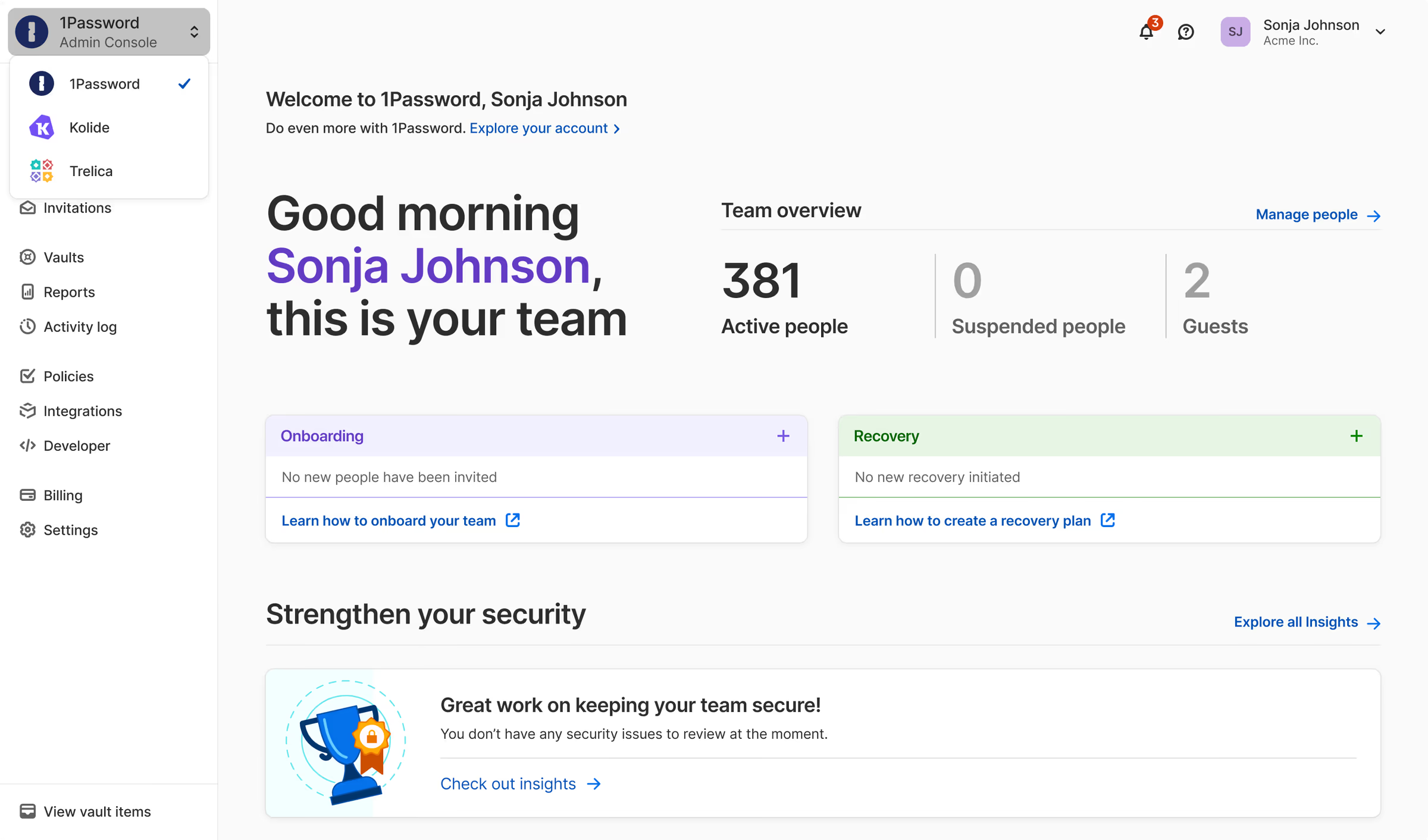
1Password is usually the better choice for business use.
It has stronger positioning for teams, business needs, admin controls, reporting, policies, integrations, and business password security. The 1Password pricing page lists business features such as role based permissions, integrations with identity providers, Watchtower alerts, reports, custom policies, and team vault usage monitoring.
Proton Pass can work for smaller teams, especially privacy focused teams. But for larger businesses, 1Password is usually the more complete option.
Winner for business: 1Password
What We Like About Proton Pass
We like that Proton Pass makes strong password security accessible.
The free plan is useful, and the paid plan adds features that many privacy focused users will care about, such as unlimited hide my email aliases, integrated two factor authentication, secure sharing, Dark Web Monitoring, file attachments, and Emergency Access.
We also like the Proton ecosystem. If a user already trusts Proton for email, VPN, or cloud storage, adding Proton Pass feels natural.
The hide my email feature is especially valuable because email privacy is a real everyday problem. Many people sign up for websites without thinking about how often their email address is shared, leaked, or targeted.
What Could Be Better About Proton Pass
Proton Pass is still newer than 1Password.
That does not make it weak, but some users may prefer a password manager with a longer history and more mature family or business features.
Proton Pass also becomes more valuable when you care about Proton’s broader ecosystem. If you only want a password manager and do not care about aliases, Proton Mail, VPN, or Drive, 1Password and other password managers may also be worth comparing.
Family and travel features could also be stronger. 1Password still has a clearer advantage in those areas.
What We Like About 1Password
We like that 1Password feels polished and reliable.
Its apps are mature, its organization features are strong, and its security model is easy to respect. The Secret Key adds another layer of protection, and Watchtower helps users find weak or exposed passwords.
Travel Mode is another standout feature. It is not something every user needs, but for frequent travelers, journalists, consultants, and business users, it can be valuable.
1Password is also strong for families and teams. If several people need secure access, shared vaults, and recovery support, 1Password is easier to recommend.
What Could Be Better About 1Password
The biggest downside is long term price.
1Password currently has strong first year promotional pricing, but after the first year, the regular annual price is higher than Proton Pass Plus. It also does not offer a permanent free plan.
It is also less attractive for users who specifically want built in email aliases. Proton Pass has a clearer advantage there.
The Secret Key is a strength, but it also adds responsibility. Users need to keep their Emergency Kit and recovery details safe. If someone is careless with recovery information, account access can become stressful.
Final Verdict
Proton Pass and 1Password are both strong password managers, but they are best for different users.
Proton Pass is the better choice for privacy focused individuals, Proton users, beginners, and anyone who wants a strong free plan. It is especially attractive if you care about hide my email aliases, encrypted services, and lower cost password security.
1Password is the better choice for families, travelers, professionals, teams, and users who want a mature, polished password manager with strong organization and security features.
Choose Proton Pass if you want privacy, aliases, strong value, and a good free plan.
Choose 1Password if you want a refined password manager for daily use, family sharing, Travel Mode, and mature security tools.
Overall, Proton Pass is the smarter choice for privacy and value. 1Password is the stronger choice for families, travel, and polished long term password management.
| Explore Proton Pass | Explore 1Password |
|---|