
Best AI Video Editing Software Compared Today
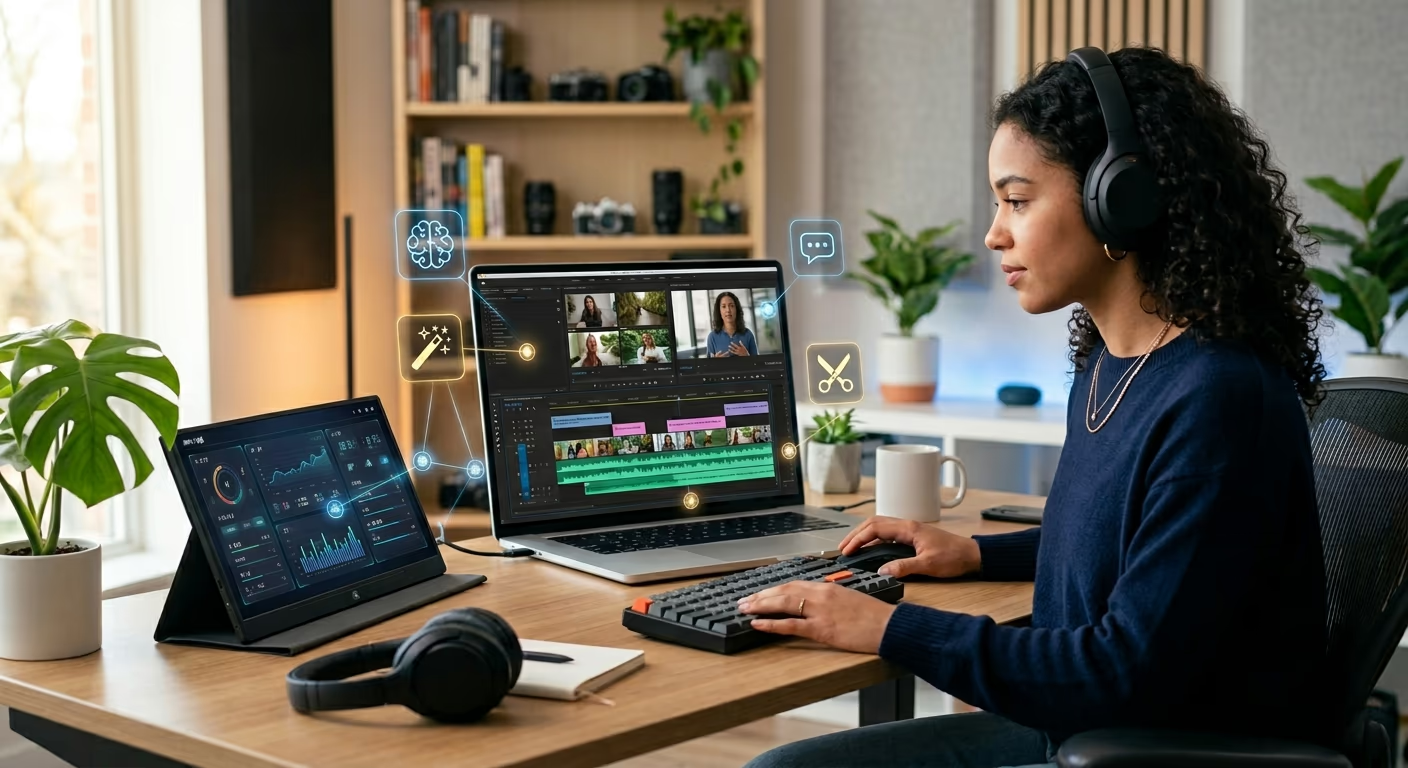
AI video editing software is no longer just a fancy extra for creators. It has become a real time-saver for people who make videos for YouTube, TikTok, Instagram, business pages, courses, podcasts, and ads.
Instead of spending hours cutting pauses, adding captions, cleaning audio, or resizing clips, we can now use an AI video editor to speed up many of those boring tasks.
But not every tool is made for the same type of user.
Some AI video editing tools are best for talking videos. Some are better for short social media clips. Others are built for professional editors who need deep control. A few are more focused on AI video generation than normal editing.
In this review, we compare the best AI video editing software in simple language. We look at what each tool does well, where it falls short, and who should use it.
Quick Comparison
Tool | Best For | Main Strength | Best User |
|---|---|---|---|
Descript | Talking videos and podcasts | Text-based editing | YouTubers, podcasters |
Adobe Premiere Pro | Professional editing | Full editing power with AI | Editors, agencies |
Runway | AI-generated video | Creative visual generation | Filmmakers, creative teams |
CapCut | Short-form videos | Fast social media editing | TikTok, Reels, Shorts creators |
Filmora | Beginners | Simple AI tools | New creators, students |
DaVinci Resolve | Pro editing and color | Advanced post-production | Filmmakers, editors |
Canva | Marketing videos | Templates and easy design | Small businesses |
VEED | Online video creation | Captions, dubbing, quick edits | Marketers, educators |
What Makes a Good AI Video Editor?
A good AI video editor should not only add flashy effects. It should make editing easier.
The most useful features are automatic captions, silence removal, filler-word removal, background noise cleanup, text-based video editing, auto-resizing, video translation, AI voiceover, and quick clip creation.
The best AI video editor depends on your workflow. A podcaster needs different tools from a filmmaker. A social media manager needs speed. A brand team may need templates and clean subtitles. A professional editor may want AI features inside full video editing software rather than a simple app.
That is why this comparison looks at each tool by real use case, not only by feature lists.
1. Descript: Best for Talking Videos and Podcasts
Descript is one of the easiest AI video editing software options for people who make talking videos, interviews, webinars, tutorials, and podcasts.
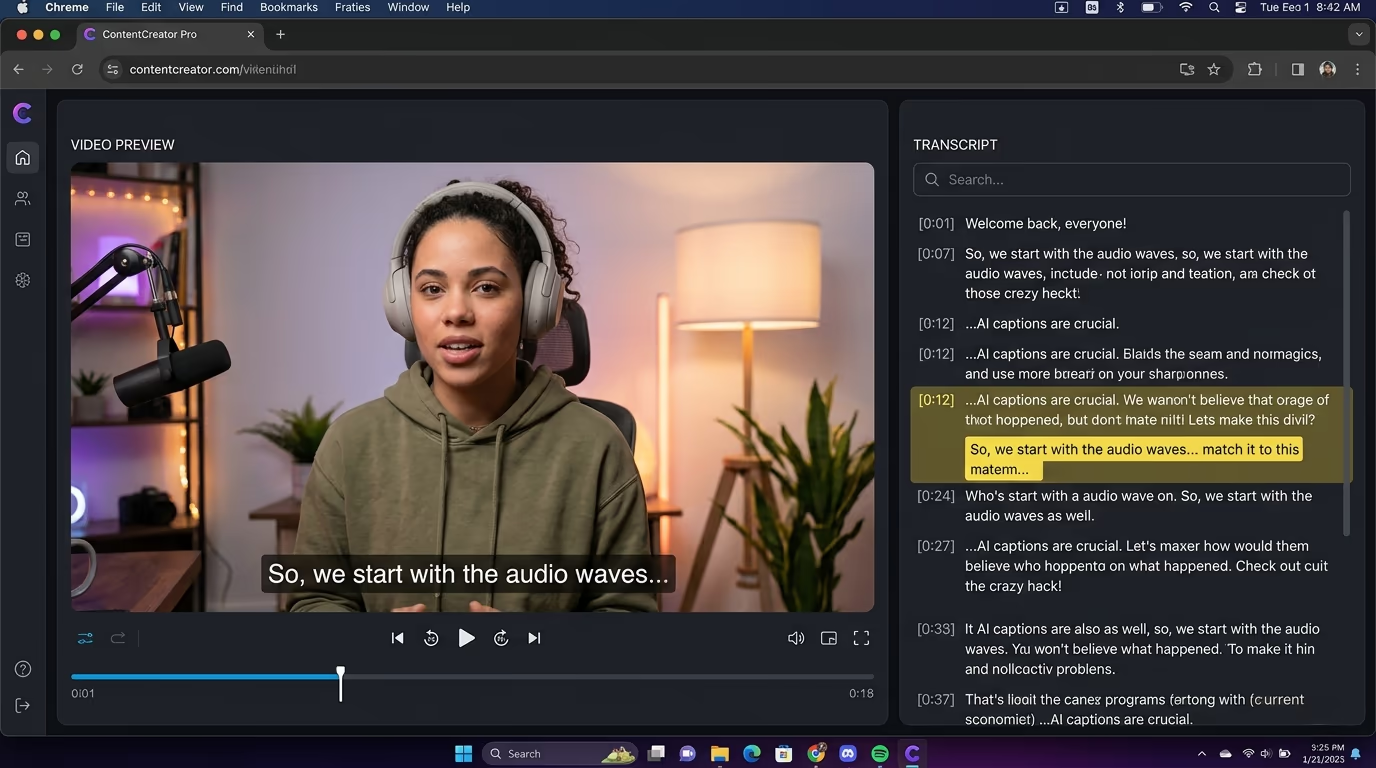
Its biggest feature is text-based video editing. Descript can transcribe your footage, and then you can edit the video by editing the text. When you delete a word or sentence from the transcript, that part is removed from the video too. Descript also offers captions, filler-word removal, audio cleanup, screen recording, and publishing tools.
This feels very natural, especially for beginners. Instead of searching through a long timeline, we can edit the video almost like editing a document.
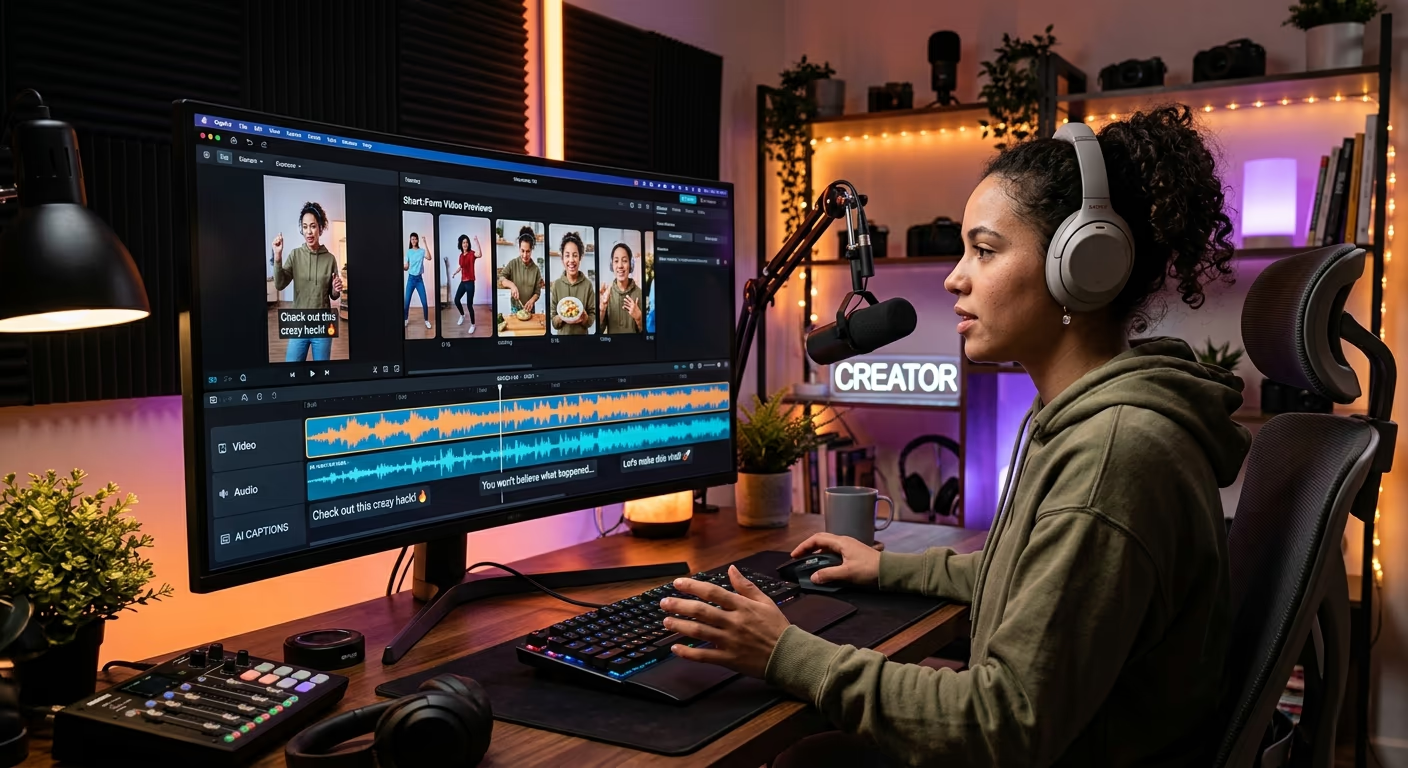
Descript is also helpful for podcast clips. If we record a long conversation, we can cut it down into shorter parts for YouTube Shorts, LinkedIn, TikTok, or Instagram Reels.
The main downside is that Descript is not built for complex cinematic editing. It is great for speech-heavy content, but it is not the strongest choice for advanced color grading, layered effects, or film-style editing.
Best for: YouTubers, podcasters, coaches, course creators, and interview videos.
Our view: Descript is one of the best AI video editing tools for people who work with voice and dialogue.
2. Adobe Premiere Pro: Best for Professional Video Editing
Adobe Premiere Pro is a strong choice for professional editors who want AI features without giving up control.
Premiere Pro includes tools for text-based editing, speech-to-text, caption translation, AI audio category tagging, and faster rough cuts. Adobe also promotes AI-powered features such as Generative Extend and Media Intelligence for improving editing workflows.
This makes Premiere Pro different from many simpler video editing apps. It is not only an AI video editor. It is full professional video editing software with AI built into the workflow.
That is important for agencies, brands, filmmakers, and YouTube teams. These users often need more than captions and templates. They need timeline control, audio mixing, effects, color tools, and export settings.
The downside is the learning curve. Premiere Pro can feel crowded if you are new to editing. There are many panels, buttons, and settings. But once we understand the layout, it becomes very powerful.
Best for: Professional editors, agencies, brand teams, filmmakers, and serious YouTubers.
Our view: Adobe Premiere Pro is the best AI video editing software for users who want professional control and smart AI support in one place.
3. Runway: Best for Creative AI Video Generation
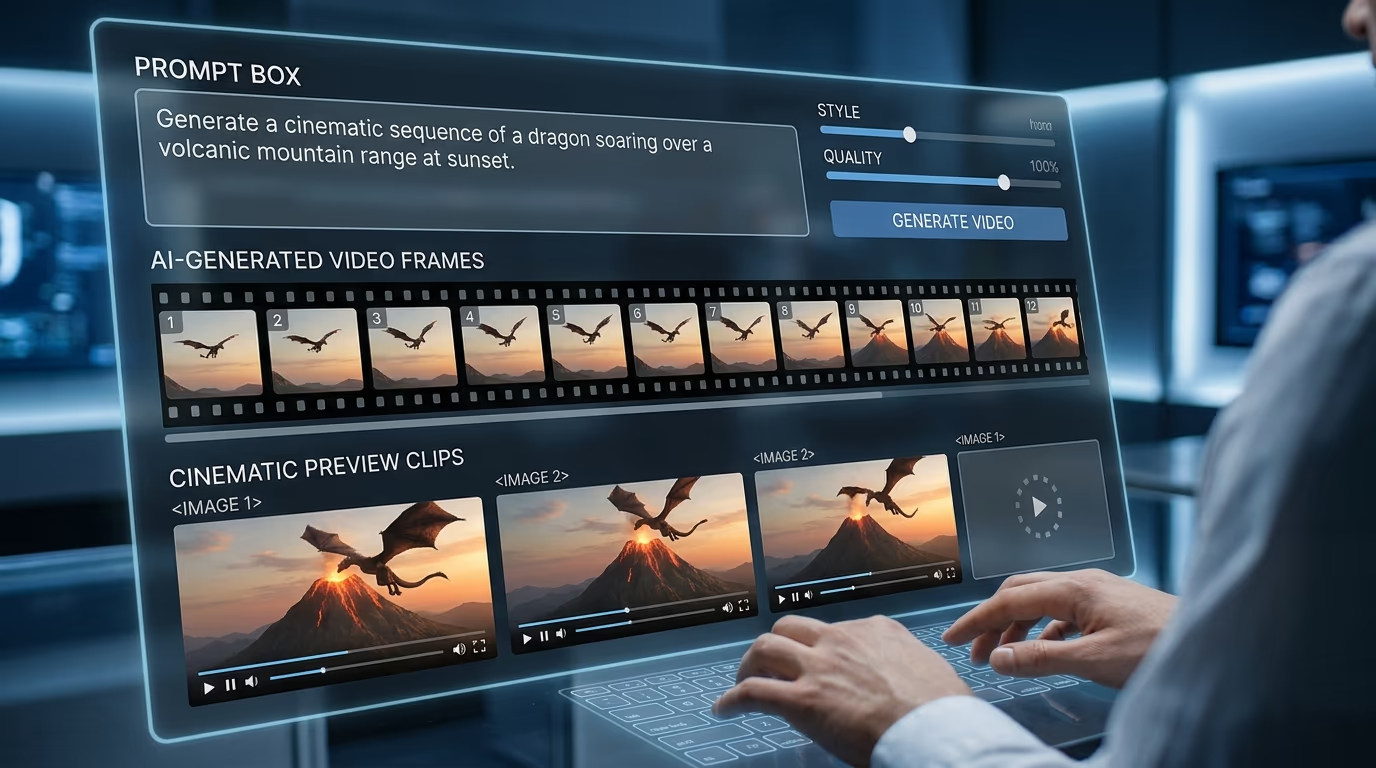
Runway is not a normal editing app in the same way as Premiere Pro or Filmora. It is more focused on AI video generation, creative effects, and new visual ideas.
Runway offers AI models and tools for generating video, images, characters, and creative scenes. Its platform is built around helping users create visual content with AI, including expressive digital personas and generative video workflows.
This makes Runway exciting for creative teams. We can use it to make concept clips, ad ideas, music video scenes, storyboards, surreal visuals, and experimental videos.
However, Runway is not always the best choice for basic editing. If we simply need to trim a vlog, add subtitles, or remove pauses, tools like Descript, CapCut, or VEED may feel easier.
AI-generated video can also be unpredictable. Sometimes the result looks amazing. Other times, movement, faces, or small details may look really odd. Human review still matters.
Best for: Filmmakers, artists, ad teams, music video creators, and experimental content.
Our view: Runway is best for creative AI video generation, not everyday timeline editing.
4. CapCut: Best for Short Social Media Videos
CapCut is one of the most popular choices for fast social media editing. It works well for TikTok, Instagram Reels, YouTube Shorts, and simple creator videos.
CapCut offers AI-powered video editing tools, templates, avatars, text-to-video, automated storyboarding, and AI video generation features. It is designed to help users create ready-to-use videos with less technical work.
The big benefit is speed. We can add captions, music, stickers, filters, cuts, transitions, and effects quickly. CapCut is also friendly for mobile users, which matters for creators who edit directly on their phones.
The downside is that CapCut can feel less polished for long-form or professional brand projects. Some effects are trendy, but trends change fast. A video that looks fresh today may look dated later.
Still, for quick content, CapCut is one of the easiest AI video editing tools to recommend.
Best for: TikTok creators, Instagram Reels, YouTube Shorts, quick ads, and mobile-first editing.
Our view: CapCut is the best AI video editor for short-form social content.
5. Filmora: Best for Beginners Who Want Easy AI Tools
Filmora is a good middle option between simple apps and professional editing suites.
It is easier to learn than Adobe Premiere Pro or DaVinci Resolve, but it still gives users a real timeline, effects, transitions, titles, audio tools, and AI features. Wondershare describes Filmora as easy-to-use video editing software with AI-powered features that help users spend less time editing and more time creating.
Filmora also includes AI tools for tasks like object removal, voice enhancement, translation, sound effects, and other editing support.
This makes it a strong pick for new creators who want more control than a basic app but do not want to feel lost. It is useful for school projects, YouTube videos, small business promos, family videos, and beginner social media editing.
Filmora is not the deepest option for advanced color work or heavy post-production. But for many users, that is fine. Not every video needs a Hollywood workflow.
Best for: Beginners, students, small creators, and small businesses.
Our view: Filmora is a simple and friendly choice for people who want AI help without a steep learning curve.
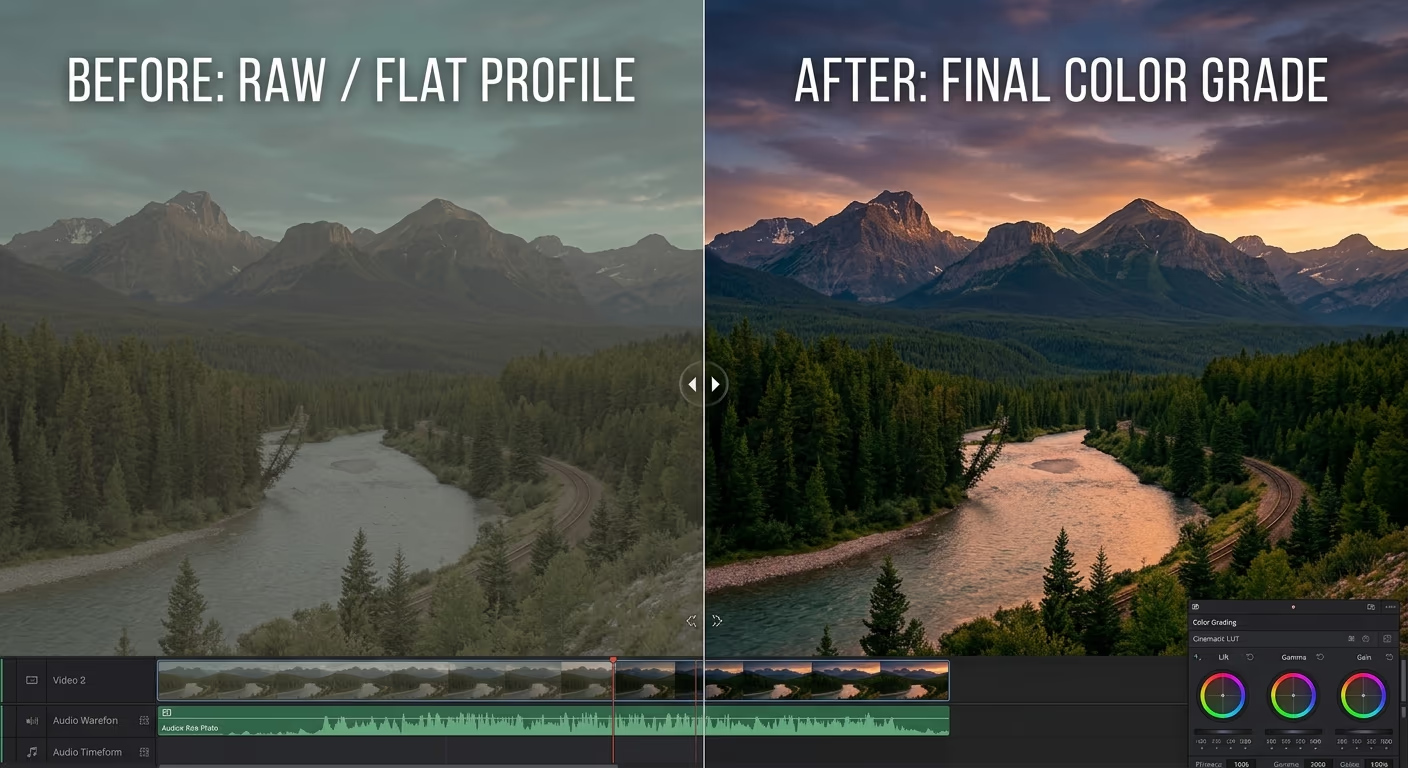
6. DaVinci Resolve: Best for Pro Editing and Color
DaVinci Resolve is one of the strongest professional video editing software options on the market. It is known for editing, color grading, audio post-production, visual effects, and finishing.
Its DaVinci AI Neural Engine supports features such as facial recognition, object detection, smart reframing, speed warp retiming, super scale, auto color, and color matching.
Blackmagic Design also lists newer AI features, such as an advanced AI Speech Generator that can generate speech from written text or from a short voice sample.
DaVinci Resolve is not the easiest AI video editor for beginners. It has many pages, tools, and professional settings. But for editors who want serious control, it is excellent.
It is especially strong for color grading. If your video needs a polished film look, DaVinci Resolve gives you tools that many simple AI video editing apps do not offer.
Best for: Filmmakers, editors, colorists, studios, and advanced creators.
Our view: DaVinci Resolve is best for advanced users who want AI features inside a professional editing system.
7. Canva: Best for Simple Marketing Videos
Canva is best known for design, but it also works well for simple video creation.
Canva offers tools for creating social media posts, presentations, posters, videos, logos, and other visual content. It is built for people who want a simple creative platform rather than complex editing software.
For small businesses, this is useful. We can create product promos, event videos, social media ads, announcement videos, and quick brand clips using templates.
Canva is not the best choice for detailed timeline editing. It is not made for complex film projects or deep post-production. But if we need clean, branded videos quickly, Canva is practical.
The biggest advantage is that non-editors can use it. A shop owner, teacher, coach, or social media assistant can make a decent video without learning advanced tools.
Best for: Small businesses, marketers, teachers, coaches, and social media managers.
Our view: Canva is best for quick branded videos and simple marketing content.
8. VEED: Best Online AI Video Editor for Marketers
VEED is a browser-based AI video editor that focuses on fast creation and easy editing.
It offers tools for AI video generation, subtitles, dubbing, talking heads, text-to-speech, video translation, background noise removal, and video background removal, and more. VEED also highlights an online video editor that can auto-cut filler words, clean audio, and add captions.
This makes VEED a strong option for marketers, educators, solopreneurs, and teams that do not want to install heavy software.
The subtitle features are especially helpful. Captions are now important for social media, accessibility, and mobile viewing. Many people watch videos without sound, so clean captions can improve performance.
VEED is not as advanced as Premiere Pro or DaVinci Resolve. But for training videos, product explainers, online lessons, social clips, and business videos, it is fast and useful.
Best for: Marketers, educators, solopreneurs, training teams, and online businesses.
Our view: VEED is a strong online AI video editor for quick business and marketing videos.
Which AI Video Editing Software Should We Choose?
The right choice depends on the kind of videos we create.
For podcasts, interviews, and talking videos, Descript is the easiest recommendation. Text-based editing saves time and feels natural.
For professional work, Adobe Premiere Pro is the best choice if we want advanced editing control with AI support.
For creative AI video generation, Runway is the most exciting option. It is better for visual ideas than basic editing.
For short-form social media, CapCut is fast, simple, and made for modern creator workflows.
For beginners, Filmora gives a nice balance of ease and features.
For advanced editing and color grading, DaVinci Resolve is the strongest option.
For small business marketing, Canva is quick and easy.
For online editing, subtitles, and team-friendly workflows, VEED is a very practical choice.
Final Verdict
AI video editing software can save a lot of time, but it does not remove the need for good ideas.
The best AI video editor helps us work faster. It can cut silence, create captions, clean sound, resize clips, generate visuals, and prepare videos for different platforms. But we still need to decide the message, tone, story, and final style.
Our top pick for most creators is Descript, because it makes editing simple and works very well for speech-based videos.
For professional editors, Adobe Premiere Pro is the better choice. It gives more control and fits serious production work.
For short-form creators, CapCut is the easiest tool to start with.
For creative teams, Runway is worth exploring because it opens new ways to generate video ideas.
For beginners, Filmora is friendly and not too confusing.
For advanced production, DaVinci Resolve is hard to beat.
For small business videos, Canva and VEED are both useful because they make video creation faster and less stressful.
In the end, the best AI video editing software is the one that fits your workflow. Choose the tool that helps you publish better videos with less stress, fewer delays, and more room for creativity.