
Surfshark Review: Is It Worth Buying?
Disclosure: Some links in this article may be affiliate links. If you purchase through them, we may earn a commission at no extra cost to you. Our reviews remain independent and are based on research, product information, pricing, features, and practical value for users.
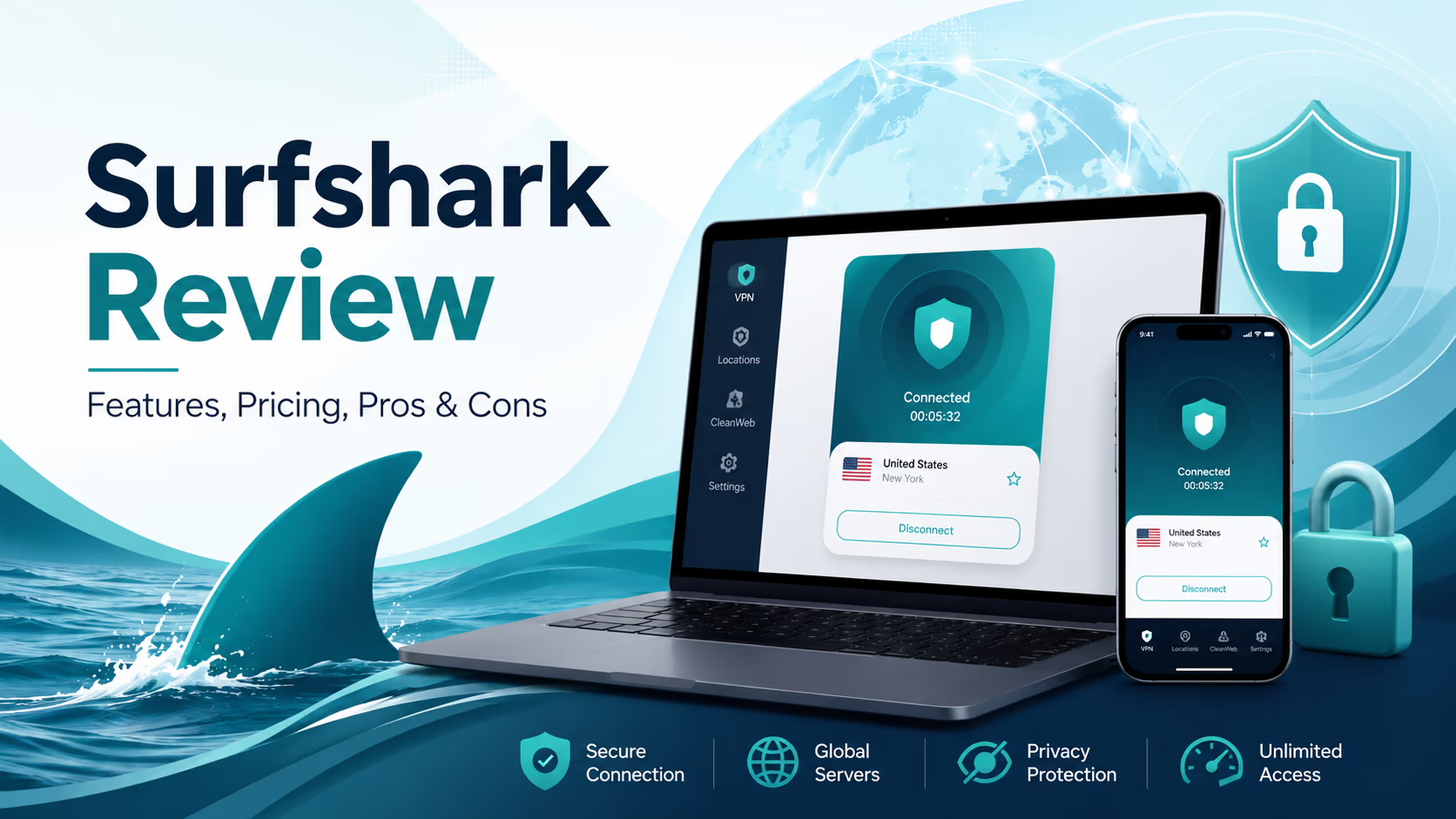
Surfshark has become one of the most recognizable names in the VPN market, mostly because it combines a simple app, strong privacy features, and unlimited VPN device connections under one account.
In this Surfshark review, we look at it from a practical buyer’s point of view. We are not treating Surfshark as a magic privacy tool or a perfect product. A VPN can protect your connection, hide your real IP address, and make public WiFi safer, but it cannot fix every online privacy problem by itself.
What makes Surfshark interesting is that it is no longer just a basic VPN. Depending on the plan, it can also include antivirus protection, data breach alerts, private search, Alternative ID, and data broker removal through Surfshark One+.
That makes it useful for people who want more than a VPN app, but it also means buyers need to understand the plan differences before paying.
What Is Surfshark?
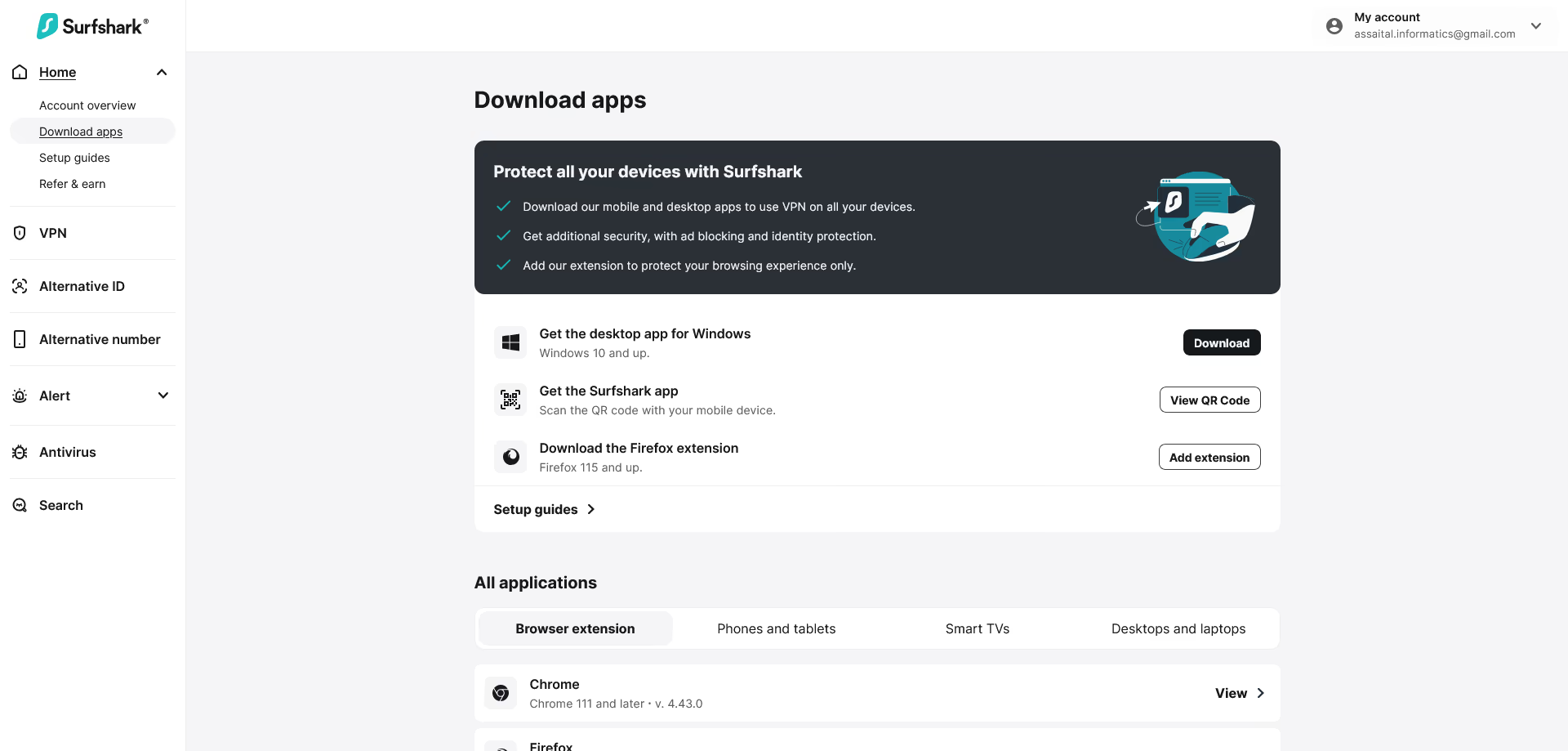
Surfshark is a cybersecurity service best known for its VPN. The VPN encrypts your internet traffic and routes it through Surfshark servers, which helps protect your browsing from public WiFi snooping, internet provider tracking, and basic IP based profiling.
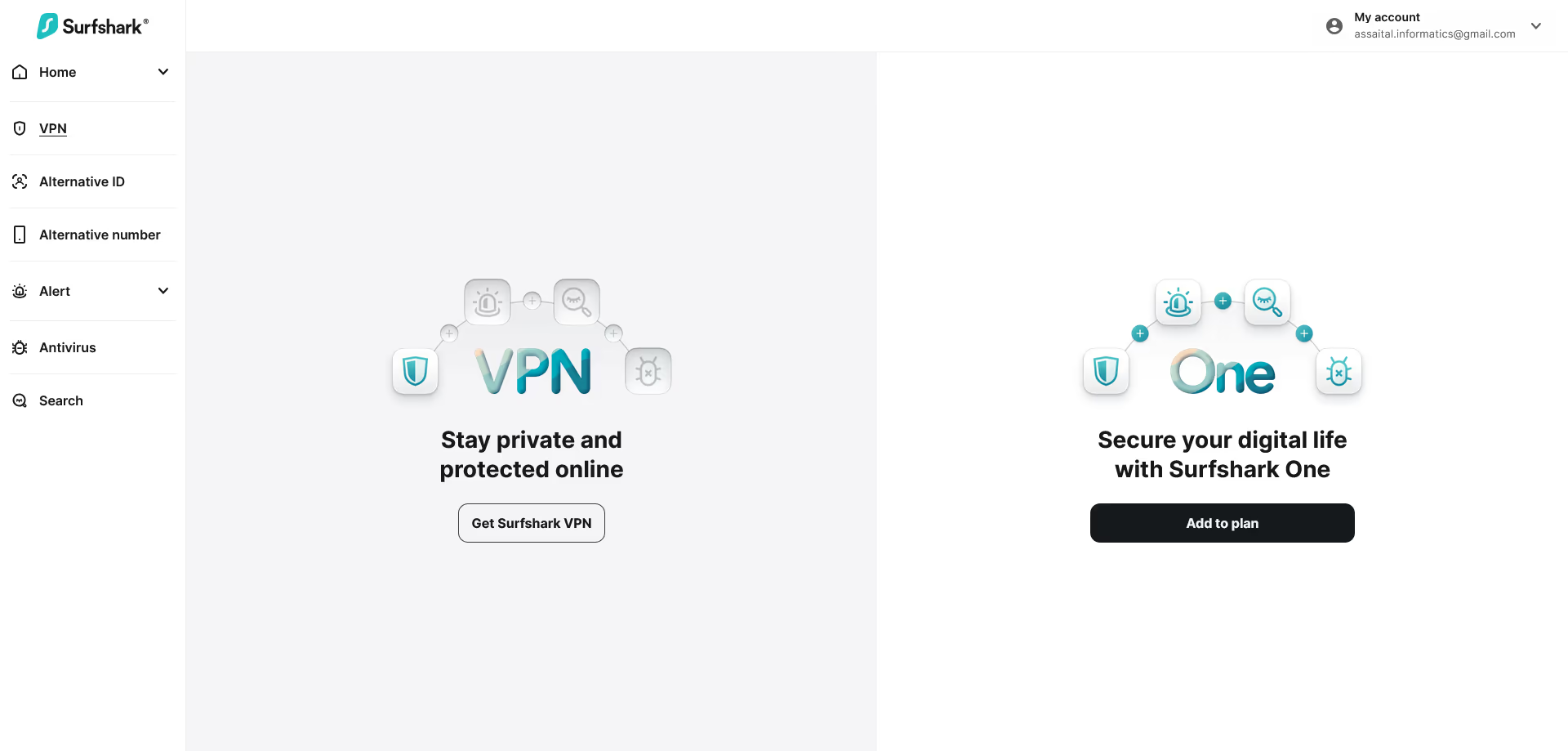
The main Surfshark product is the VPN, but the company now sells broader security bundles. These bundles can include tools such as Antivirus, Alert, Search, Alternative ID, and Incogni, depending on the plan.
In simple terms, Surfshark is designed for people who want safer browsing, more private internet use, and easier protection across many devices.
It is available on major platforms, including Windows, macOS, Linux, Android, iOS, Apple TV, Fire TV, Android TV, Chrome, Firefox, and Edge. It can also be set up on routers and some devices that do not support native VPN apps.
Who Is Surfshark Best For?
Surfshark is best for users who want strong VPN value without managing several separate accounts.
It makes the most sense for:
Families or households with many phones, laptops, tablets, and smart TVs.
Travelers who often use hotel, airport, cafe, or coworking WiFi.
Remote workers who need safer internet access outside the home.
Students who want affordable privacy protection across multiple devices.
People who want a VPN plus extra tools such as antivirus, breach alerts, and email masking.
Users who stream, browse, shop, and bank online and want a smoother privacy setup.
Surfshark may not be necessary for someone who only needs a VPN once or twice a year. It may also feel like too much if you already have a password manager, antivirus, private email tools, and data removal services from other providers.
Key Features
Unlimited VPN Device Connections
One of Surfshark’s biggest advantages is unlimited simultaneous VPN connections. This means one subscription can cover many devices at the same time.
For example, a household could protect two phones, two laptops, a tablet, a smart TV, and a work computer without buying extra VPN seats.
This is one of the clearest reasons to choose Surfshark over many competitors. Some VPN providers limit you to 10 or 14 active devices. Surfshark’s unlimited VPN connection model is easier for families and people with many gadgets.
One important detail: the unlimited device claim applies to VPN connections. Some extra products, such as Antivirus, may have their own device limits, so it is smart to check the checkout page before buying.
Large Server Network
Surfshark gives users access to 4,500 plus servers across 100 countries. A larger server network helps because you have more location choices and a better chance of finding a nearby server with good performance.
For normal browsing, the best server is usually the one closest to your real location. For travel, streaming, or accessing region specific services, having more countries available gives you more flexibility.
Surfshark also uses RAM only servers. This means server data is not stored on traditional hard drives in the same way. From a privacy perspective, that is a positive infrastructure choice.
CleanWeb
CleanWeb is Surfshark’s ad, tracker, malware, and phishing blocking feature. It is useful for people who want cleaner browsing without installing several browser extensions.
In daily use, this can make pages feel less cluttered. It can also help reduce exposure to suspicious ads and tracking scripts.
CleanWeb should not be seen as a full replacement for safe browsing habits. It helps, but users still need to avoid suspicious downloads, fake login pages, and unknown attachments.
Bypasser
Bypasser is Surfshark’s split tunneling feature. It lets you choose which apps or websites use the VPN and which ones connect normally.
This is useful in real life. For example, you may want your browser protected by the VPN while keeping a banking app outside the VPN if the bank blocks VPN traffic. You may also want a game or local printer connection to avoid the VPN for better performance.
Split tunneling is one of those features that many beginners ignore at first, but it becomes very useful once you use a VPN every day.
Kill Switch
A kill switch blocks your internet connection if the VPN drops unexpectedly. This helps prevent your real IP address or unprotected traffic from leaking while the VPN reconnects.
This matters most when using public WiFi, file sharing apps, or sensitive work tools. It is a simple feature, but it is important for privacy.
Dynamic MultiHop
Dynamic MultiHop routes traffic through two VPN servers instead of one. You can choose entry and exit locations, which gives more control over how your traffic moves through the VPN network.
Most users do not need MultiHop every day. It may reduce speed because traffic takes a longer path. Still, it is useful for people who want an extra privacy layer in certain situations.
IP Rotator
IP Rotator changes your VPN IP address while you stay connected. The practical benefit is that websites have a harder time linking activity to one stable VPN IP during a session.
This is not a complete anonymity solution, especially if you log into personal accounts, but it adds another privacy layer for general browsing.
Alternative ID
Alternative ID creates an online identity and email address that you can use when signing up for websites, newsletters, discounts, or services you do not fully trust.
This is useful because many websites ask for an email address even when they do not really need your personal one. Using an alias can reduce spam and limit how widely your real email address spreads.
For online shoppers, coupon sites, forums, and trial accounts, this feature can be genuinely practical.
Surfshark Alert
Surfshark Alert monitors for data leaks involving your personal information. Depending on the plan and setup, it can help you watch for exposed emails, passwords, credit cards, or personal IDs.
This is not the same as preventing a data breach. No monitoring tool can stop another company from being hacked. What it can do is warn you faster so you can change passwords, lock cards, or take action.
Surfshark Antivirus
Surfshark Antivirus is included in Surfshark One and higher plans. It can detect and remove malware, offer real time protection, and run scans on supported devices.
This makes Surfshark more attractive as a security bundle. Instead of paying for a VPN and a separate antivirus tool, some users may prefer one subscription.
However, if you already use a trusted antivirus product and are happy with it, Surfshark Antivirus may not be a major reason to upgrade.
Surfshark Search
Surfshark Search is a private search tool without ads, logs, or trackers. It is designed for users who want search results without the usual tracking profile linked to mainstream search engines.
It is a nice privacy extra, especially if you dislike targeted ads. That said, search quality and habits are personal. Some users may still prefer their current search engine for local results, shopping, maps, or news.
Dedicated IP
Surfshark also offers Dedicated IP as a separate purchase. A dedicated IP is an address only you use, which can help reduce CAPTCHA prompts, account verification issues, and service blocks caused by shared VPN IP addresses.
This is useful for remote workers, online banking, business dashboards, and websites that dislike constantly changing IP addresses.
The downside is that Dedicated IP is not included in the standard bundles. You pay extra for it.
Surfshark Pricing And Plans
Surfshark offers several plan levels. The lowest advertised long term prices are usually attached to longer subscriptions. Monthly plans cost more, while annual and two year plans usually offer better value.
Pricing can change depending on region, currency, taxes, coupons, renewal terms, and promotions. Always check the final checkout page before buying.
At the time this review was prepared, the official advertised starting prices were:
Plan | Advertised starting price | Best for | Main difference |
|---|---|---|---|
Surfshark Starter | From $1.99 per month | Users who mainly want the VPN | Core VPN features with unlimited VPN device connections |
Surfshark One | From $2.49 per month | Users who want VPN plus security tools | Adds tools such as Antivirus, Alert, Search, and broader privacy protection |
Surfshark One+ | From $4.19 per month | Users who want deeper personal data protection | Adds Incogni data broker removal on top of the One package |
Pricing note: Surfshark prices and plan details can change. Always check the final pricing page before subscribing.
Which Surfshark Plan Should You Choose?
Surfshark Starter is the best choice if you mainly need a VPN. It gives the strongest value for people who want encrypted browsing, public WiFi protection, streaming flexibility, and unlimited VPN device connections.
Surfshark One is the better option if you also want antivirus protection, data breach alerts, and private search. For many users, this is the most balanced plan because it turns Surfshark into a wider security suite.
Surfshark One+ is best for people who care about data broker removal. If you are worried about your personal details being listed on people search sites or data broker databases, One+ may be worth the extra cost.
Free Trial And Refund Policy
Surfshark offers a 7 day free trial on eligible 12 month and 24 month plans. During the trial, you can test the VPN on up to three devices. After the trial, the subscription can renew automatically based on the selected plan.
Surfshark also offers a 30 day refund window for first purchases made through its website. This gives buyers time to test speeds, apps, server locations, streaming access, and everyday usability.
The refund policy is useful, but buyers should still read the terms carefully. Recurring payments and renewals may not be treated the same as a first purchase.
Pros And Cons
Pros | Cons |
|---|---|
Unlimited VPN device connections are excellent for families and heavy device users. | Renewal prices can be higher than the first promotional price. |
4,500 plus servers in 100 countries give strong location coverage. | The cheapest plan does not include every security tool. |
CleanWeb, Bypasser, Kill Switch, MultiHop, and IP Rotator add real practical value. | Dedicated IP costs extra. |
Surfshark One can replace multiple basic security subscriptions for some users. | Some users may not need the extra tools if they already use other privacy apps. |
The apps are simple enough for beginners but still include advanced settings. | Streaming access can vary because platforms often change VPN detection methods. |
Audited no logs claims and RAM only servers strengthen trust. | Monthly pricing is less attractive than long term plans. |
Real Use Cases
Public WiFi Protection
This is one of the most practical reasons to use Surfshark. Public WiFi in cafes, airports, hotels, malls, and universities is convenient, but it is not always safe.
With Surfshark enabled, your connection is encrypted. That makes it harder for someone on the same network to spy on your activity.
A good example is checking email or logging into work tools while traveling. We would rather use a trusted VPN than rely on random public WiFi security.
Travel And Location Flexibility
When traveling, some websites may show different content, block logins, or trigger extra verification because your location changed. Surfshark can help you connect through a familiar region.
It can also help with services that work better when accessed from your home country. That said, a VPN should always be used within the rules of the platform you are accessing.
Streaming
Surfshark can be useful for streaming privacy and location flexibility. Its large server network gives users many options when one server does not work well.
Still, streaming support is never guaranteed forever. Streaming platforms constantly update VPN detection. A server that works today may not work tomorrow.
For streaming, Surfshark is a strong option, but buyers should test their favorite apps during the trial or refund window.
Remote Work
Remote workers often use public or shared networks. Surfshark helps secure the connection before accessing email, cloud storage, project tools, or business dashboards.
Dedicated IP can also be helpful for remote workers who want fewer verification prompts or need a consistent IP for trusted access rules.
Online Shopping And Sign Ups
Alternative ID is useful when creating accounts on websites where you do not want to share your real email address.
For example, you might use it for discount codes, newsletters, free trials, forums, or one time purchases. This helps keep your main inbox cleaner and reduces exposure if that website later has a data leak.
Family Device Protection
Surfshark is especially strong for families. Many homes now have phones, tablets, laptops, smart TVs, and streaming devices. Paying for a VPN with strict device limits can become annoying.
Surfshark solves this with unlimited VPN connections. Parents can install it on several devices without tracking device slots.
User Experience
Surfshark is easy to use. The app is clean, modern, and friendly for beginners. You can usually connect with one click, choose a country, or let the app pick a fast location.
For most people, the default setup is enough. You install the app, sign in, connect, and browse.
More advanced users can adjust protocol settings, use split tunneling, turn on CleanWeb, set up MultiHop, use static servers, or enable IP rotation.
The best part is that Surfshark does not force beginners to understand every setting before using it. The advanced features are there, but they do not get in the way.
Performance will depend on your location, device, internet provider, server distance, and chosen protocol. As with any VPN, connecting to a faraway server can reduce speed. For daily use, nearby servers usually give the best balance of speed and privacy.
What Makes Surfshark Different?
The biggest difference is unlimited VPN device connections at a budget friendly long term price.
That matters because many VPNs look affordable until you realize they limit active devices. Surfshark is easier for households and people with many devices.
The second difference is the way Surfshark has grown into a security suite. With Surfshark One and One+, it can cover VPN protection, antivirus, breach monitoring, private search, email masking, and data broker removal.
The third difference is its mix of simple design and advanced privacy tools. Features like Dynamic MultiHop, IP Rotator, Alternative ID, and Bypasser make Surfshark more flexible than a very basic VPN.
Possible Drawbacks
Surfshark is strong, but it is not perfect.
First, the best prices usually require longer subscriptions. This is common in the VPN industry, but it means you should check the total upfront cost, not just the monthly equivalent.
Second, renewal pricing can be different from the first promotional price. Before buying, check what you will pay after the first term ends.
Third, not every feature is included in the cheapest plan. If you want Antivirus, Alert, Search, or Incogni, you may need Surfshark One or One+.
Fourth, Dedicated IP is a separate purchase. If you need a private static IP for work, banking, or fewer CAPTCHA prompts, include that extra cost in your decision.
Fifth, a VPN does not make you anonymous everywhere. If you log into Google, Facebook, Amazon, or your bank, those services still know who you are. Surfshark protects the connection and masks your IP, but it does not erase your identity from accounts you use.
Surfshark Compared With Alternatives
Surfshark competes most directly with NordVPN, ExpressVPN, and Proton VPN. Each one has a different strength.
VPN | Best strength | Device approach | Best for |
|---|---|---|---|
Surfshark | Value, unlimited VPN connections, extra privacy tools | Unlimited VPN device connections | Families, travelers, users who want strong value |
NordVPN | Strong security suite and advanced VPN reputation | Up to 10 devices | Users who want a mature premium VPN with many security extras |
ExpressVPN | Simple apps and polished user experience | Up to 14 devices depending on plan | Beginners who want a very simple premium VPN |
Proton VPN | Privacy focused ecosystem and strong free plan | Free plan has limits, Plus supports up to 10 devices | Privacy focused users and people who want a serious free option |
Surfshark vs NordVPN
NordVPN is often seen as a premium security focused VPN. It has strong brand trust, advanced features, and a broad security ecosystem.
Surfshark is usually more attractive for users who care about covering many devices at a lower long term cost. If your home has many phones, laptops, and TVs, Surfshark’s unlimited VPN connections are a major advantage.
Choose Surfshark for better multi device value. Choose NordVPN if you prefer its security ecosystem, interface, or specific advanced features.
Surfshark vs ExpressVPN
ExpressVPN is known for simplicity and polished apps. It is a good choice for users who want a VPN that feels very easy from day one.
Surfshark offers more value for households because it does not limit VPN connections in the same way. It also gives strong privacy extras at competitive long term prices.
Choose Surfshark if price and unlimited connections matter most. Choose ExpressVPN if you want a very simple premium experience and do not mind paying more.
Surfshark vs Proton VPN
Proton VPN is excellent for privacy focused users, especially because it has a serious free plan with unlimited data. Proton also fits well for people already using Proton Mail, Proton Drive, or Proton Pass.
Surfshark is better for users who want unlimited VPN connections and a more consumer friendly bundle with tools such as Alternative ID, Antivirus, and data broker removal through One+.
Choose Surfshark for household coverage and value. Choose Proton VPN if a free plan or the Proton privacy ecosystem matters more.
Is Surfshark Safe?
Surfshark is a safe and reputable VPN for most everyday users. It offers strong encryption, modern VPN protocols, a kill switch, RAM only servers, and an audited no logs policy.
The no logs claim is important. It means Surfshark says it does not monitor, track, or store what you do online while connected to the VPN. Independent audits add more credibility to that claim.
Still, safe does not mean perfect or magical. You still need good passwords, two factor authentication, careful downloads, updated devices, and common sense.
Surfshark is a strong privacy layer, not a complete replacement for digital security habits.
Is Surfshark Good For Beginners?
Yes. Surfshark is one of the easier VPNs for beginners.
The app does not feel technical at first. You can open it, click connect, and let it choose a fast server. That is enough for most users.
As you get more comfortable, you can explore CleanWeb, split tunneling, MultiHop, static servers, and Alternative ID.
This makes Surfshark suitable for both simple and more advanced use.
Is Surfshark Good For Families?
Yes, Surfshark is one of the best VPN options for families because of unlimited VPN device connections.
A family can protect phones, tablets, computers, and TVs under one account. This is simpler than counting device slots or deciding which device gets protection.
For parents, CleanWeb and safer public WiFi use are also practical benefits. Surfshark is not a parental control app, but it does make everyday browsing safer.
Is Surfshark Good For Streaming?
Surfshark can be good for streaming, especially because it has many servers and strong speeds on nearby connections.
However, streaming platforms often update their VPN blocking systems. No VPN can honestly promise permanent access to every streaming library.
Our advice is simple: test Surfshark with the streaming apps you care about during the trial or refund period. If your preferred services work well, then it is a good fit.
Is Surfshark Good For Privacy?
Surfshark is good for general privacy. It hides your IP address, encrypts your traffic, blocks some trackers through CleanWeb, and offers extra identity protection tools.
Alternative ID is especially useful for reducing exposure of your real email address. Alert can help you react faster to breaches. One+ can help reduce personal data exposure through Incogni.
For most users, this is more than enough. For extreme privacy needs, you may still want to combine Surfshark with privacy focused browsers, secure email, password managers, and careful account habits.
Clear Recommendation
Surfshark is worth considering if you want a reliable VPN with excellent device coverage, strong everyday privacy tools, and affordable long term pricing.
We recommend Surfshark Starter if you only need a VPN.
We recommend Surfshark One if you want the best balance of VPN, antivirus, breach alerts, and private search.
We recommend Surfshark One+ if you also want help removing personal data from broker databases.
Before buying, check three things: the total upfront price, the renewal price, and whether the plan includes the tools you actually want.
Final Verdict
Surfshark is one of the best value VPN services for people who want privacy protection across many devices. Its unlimited VPN connections make it especially strong for families, travelers, students, and remote workers.
The apps are easy to use, the server network is large, and the feature set is much deeper than a basic VPN. CleanWeb, Bypasser, Kill Switch, Dynamic MultiHop, IP Rotator, Alternative ID, Alert, Antivirus, and Search all add practical value when used properly.
The main drawbacks are renewal pricing, plan gated features, and extra costs for Dedicated IP. Also, users should remember that a VPN improves privacy, but it does not make them invisible online.
Our final recommendation is clear: Surfshark is a smart buy if you want a budget friendly VPN with unlimited device coverage and useful security extras. Choose the plan carefully, test it during the trial or refund window, and make sure the renewal price still makes sense for you before committing long term.
Explore Surfshark